Web design is all about creating a visually appealing and user-friendly website, but did you know that SEO (Search Engine Optimization) plays a crucial role in web design? Many designers focus solely on aesthetics and functionality, but without considering SEO, your website could miss out on ranking well in search engine results. SEO in web design is not just about keywords; it’s about how your website is structured, how fast it loads, how accessible it is, and how it performs on different devices.
In this blog post, we’ll explore the importance of SEO in web design, how it impacts user experience, and what every designer needs to know to ensure their websites are both beautiful and optimized for search engines.
What is SEO and why does it matter in web design?
SEO, or Search Engine Optimization, is the process of improving a website’s visibility in search engine results pages (SERPs). When people search for topics related to your business, you want your website to appear on the first page of results. A well-optimized website is more likely to attract organic traffic, increase conversions, and enhance the user experience.
For designers, SEO should be at the forefront of your design processes. If your website isn’t optimized, all the hard work you’ve put into creating a great design could be wasted. A search engine-friendly website is essential for drawing in visitors and ensuring that they stay engaged once they arrive.
SEO and Web Design Go Hand in Hand
When designing a website, you’re not only thinking about how it looks but also how it functions. How it appears to search engines is just as important. Google and other search engines use complex algorithms to rank websites based on various factors like page load speed, mobile responsiveness, and overall usability. By incorporating SEO best practices into your web design process, you’re making sure that your website is set up to perform well in search results, helping you reach your target audience effectively.
Key Elements of SEO in Web Design
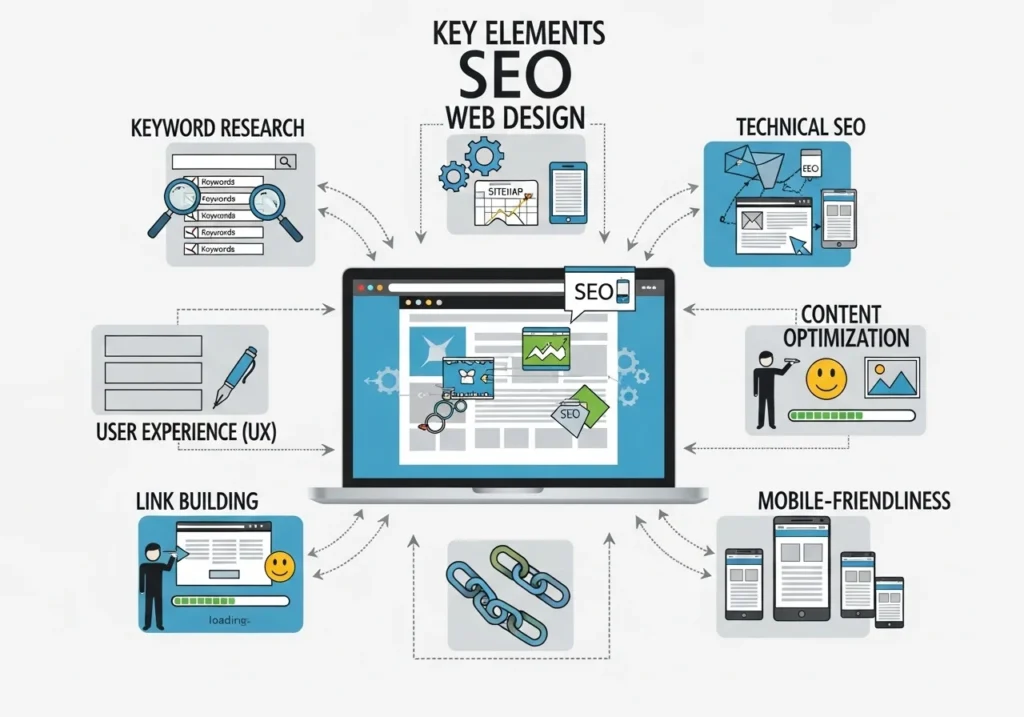
There are several key areas where SEO and web design overlap. Let’s dive into these essential elements:
1. Mobile Responsiveness
In today’s digital world, the majority of web traffic comes from mobile devices. If your website isn’t mobile-friendly, you’re not only alienating potential visitors but also risking lower rankings in search engines. Google prioritizes mobile-responsive websites because they provide a better user experience.
Example: Think about visiting a website on your phone where the text is too small to read, the buttons are too hard to click, or the images don’t adjust to the screen size. That’s a poor mobile experience. Google will likely rank that site lower than one that adapts seamlessly to mobile devices.
Best Practices for Mobile Responsiveness:
- Use responsive design frameworks like Bootstrap.
- Test your design across multiple devices and screen sizes.
- Avoid fixed-width elements that don’t scale well on different screens.
2. Fast Loading Times
Website loading speed is another critical factor for both SEO and user experience. No one wants to wait around for a slow website to load, and neither do search engines. A slow site can lead to higher bounce rates, which signals to Google that your site is not user-friendly.
Example: If you’re browsing on your phone and a website takes longer than 3-5 seconds to load, chances are you’ll leave. Google recognizes this, and as a result, slower sites may be ranked lower.
How to Improve Loading Speed:
- Optimize images (use tools like TinyPNG).
- Minimize HTTP requests by combining files (CSS, JavaScript).
- Use lazy loading for images and videos.
- Implement caching and use Content Delivery Networks (CDNs).
3. Clean and Organized Code
The structure of your website’s code is another factor that can influence SEO. Search engines can read well-organized code more easily than messy code. Clean HTML, CSS, and JavaScript allow search engines to index your content properly and understand the relationships between various parts of your website.
Example: Think of a website as a book. If the chapters (pages) are organized in a logical order with a clear table of contents (site structure), it’s easier to find the information you need. If the pages are scrambled and the table of contents is missing, it’s much harder for both humans and search engines to navigate.
Best Practices for Clean Code:
- Use semantic HTML (e.g.,
<header>,<footer>,<article>). - Avoid inline CSS and JavaScript where possible.
- Minimize unnecessary code to ensure fast loading.
4. User-Friendly Navigation
Clear, easy-to-follow navigation is not just important for users but for search engines too. Websites with good navigation help both users and search engines find content faster. Google uses the structure of your website to understand its hierarchy, so creating a logical and simple navigation system is crucial.
Example: A navigation bar with categories like “Home,” “About Us,” “Services,” and “Contact Us” helps visitors easily find what they need, and Google can understand the structure of your website.
Best Practices for Navigation:
- Keep the navigation simple and intuitive.
- Use breadcrumb navigation for deeper pages.
- Ensure that every page can be reached within three clicks.
5. Optimizing Images
Images are essential for a good user experience, but they can also slow down your website if not optimized correctly. Moreover, search engines can’t “see” images like humans, so you need to provide context using alt text and image file names.
Example: If you have a beautiful photo of a sunset on your homepage, you should include descriptive alt text like “sunset over the ocean in California” instead of just “image1234.” This helps Google understand the content of the image and improve SEO.
How to Optimize Images:
- Use descriptive, keyword-rich file names.
- Always include alt text for all images.
- Compress images without losing quality.
6. Content Structure
Content is king, but it’s also how you organize it that matters. Proper heading tags (H1, H2, H3, etc.) help search engines understand the hierarchy of your content. Not only do these tags improve SEO, but they also improve readability for users, allowing them to scan content easily.
Example: If you write a blog post, you’ll want to use H1 for the main title, H2 for subheadings, and H3 for subsections under those. This helps both users and search engines navigate your content effectively.
Best Practices for Content Structure:
- Use only one H1 tag per page for the main title.
- Break content into smaller, digestible sections with H2 and H3 tags.
- Include keyword variations in headings where relevant.
7. Internal Linking
Internal links help both users and search engines navigate your website. Linking between pages within your website helps Google crawl and index more of your content. It also keeps visitors engaged, allowing them to discover related articles or services.
Example: If you’re writing about web design services, you could link to another page on your website about “Web Development.” This internal link helps both users and search engines explore more content.
Best Practices for Internal Linking:
- Link to relevant pages within your content.
- Use descriptive anchor text that explains what the linked page is about.
- Avoid over-linking; use internal links sparingly and strategically.
How SEO Impacts Web Design Projects
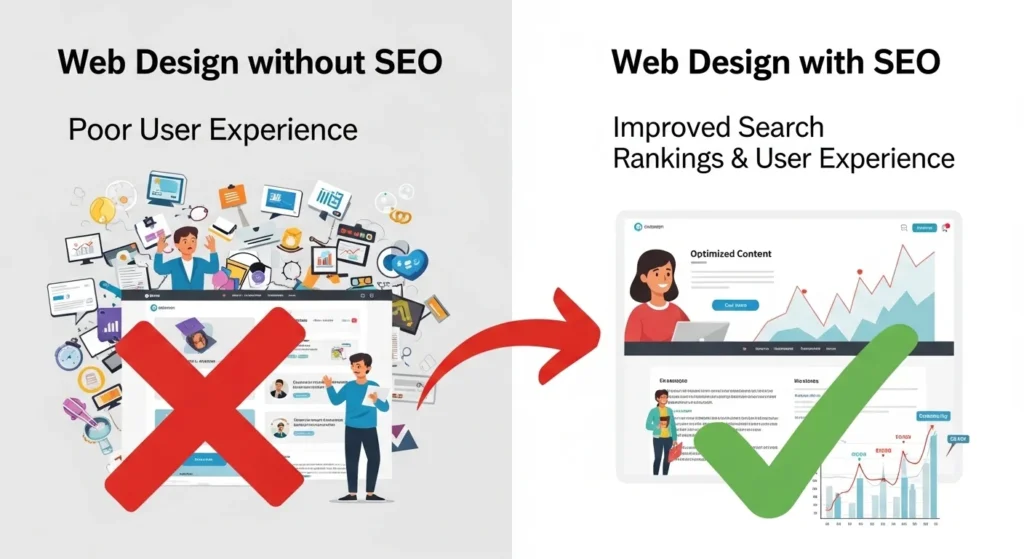
Now that you understand the key aspects of SEO in web design, let’s talk about how SEO affects web design projects as a whole. For designers, SEO should be part of the initial planning phase, not an afterthought. This helps save time and resources and ensures that your designs are optimized from the start.
SEO Should Be Part of the Design Process, Not Added Later
When SEO is integrated from the beginning, the design process becomes more efficient. Instead of redesigning parts of your website after launch to optimize for search engines, you can build SEO directly into the structure, content, and layout of your site.
For example, knowing that Google values fast loading times can lead you to choose lightweight design elements and optimize images from the start. Similarly, understanding the importance of mobile responsiveness will help you choose a design framework that adapts well to all devices.
Working with SEO Specialists

While web designers focus on the visual and functional aspects of a website, SEO specialists focus on optimizing the content and technical side for search engines. It’s important for designers to collaborate with SEO experts to ensure that design decisions align with SEO goals.
Example: SEO specialists may recommend changes to your design to improve the structure of URLs, add schema markup, or ensure that content is optimized for featured snippets. Working together, both teams can create a website that performs well both visually and in search engine rankings.
FAQs About SEO in Web Design
1. Why is SEO important for web designers?
SEO is important for web designers because it ensures that a website is optimized for search engines, making it easier for users to find. A well-optimized website can increase organic traffic, improve rankings, and create a better user experience.
2. How can I ensure my website is SEO-friendly?
You can ensure your website is SEO-friendly by focusing on factors like mobile responsiveness, fast loading times, clean code, and proper content structure. Incorporate SEO best practices such as using heading tags, optimizing images, and adding internal links.
3. How does SEO affect user experience?
SEO affects user experience by ensuring that your website is fast, easy to navigate, and accessible across different devices. Websites that follow SEO best practices tend to have lower bounce rates, higher engagement, and better conversion rates.
4. Should I focus on SEO when designing a website?
Yes, SEO should be a priority when designing a website. It helps ensure that your website is visible to search engines, provides a better user experience, and increases your chances of ranking higher in search results.
Conclusion
SEO and web design are two sides of the same coin. A beautiful website is great, but if it’s not optimized for search engines, you may be missing out on valuable traffic. By integrating SEO into the design process, you can create websites that not only look great but also perform well in search engine rankings. Remember, a well-optimized website enhances the user experience and helps attract and retain visitors.
If you’re a web designer, make sure to keep SEO in mind every step of the way. With the right strategies in place, you can build websites that stand out in search results and offer users a seamless, enjoyable browsing experience.