Creating images with the best free tools for transparent backgrounds has become an essential part of digital content creation. If you are designing logos, editing product photos, creating YouTube thumbnails, posting on social media, or building marketing materials, transparent background images help visuals look cleaner and more professional. In the past, removing image backgrounds may have required advanced editing skills and expensive software. Today free AI-powered tools make transparent background image editing faster, simpler, and more accessible.
With the rise of artificial intelligence, background removal tools can now automatically detect subjects, separate them from complex backgrounds, and generate transparent PNG files within seconds. Many of these tools are available online for free and require no professional editing experience.
This article will find the best free tools for transparent background editing, their features, advantages, limitations, and how they are transforming image editing for creators, students, businesses, and marketers.
What Is Transparent Background Editing?
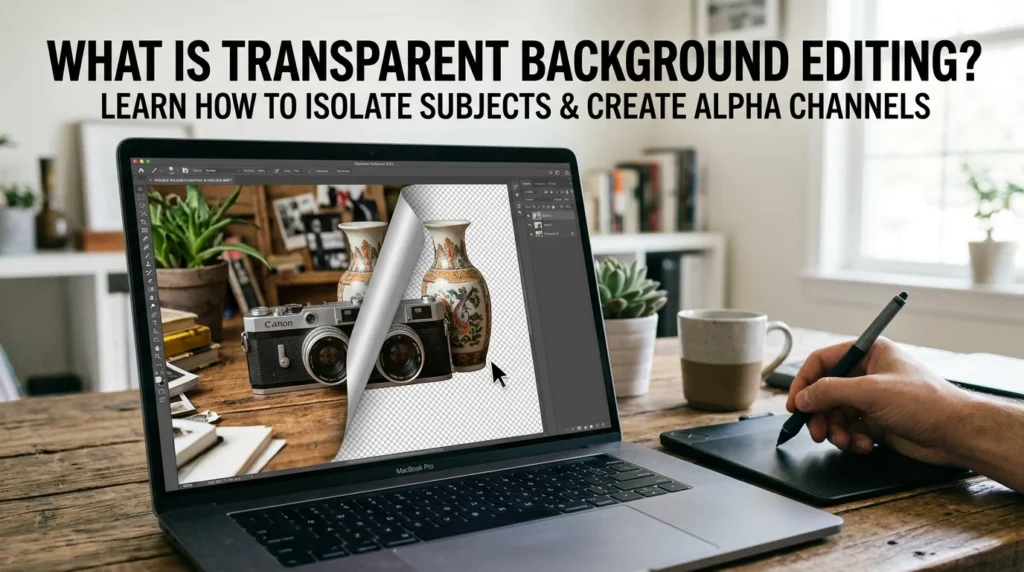
Transparent background editing is the process of removing the background from an image while keeping the main subject intact. The final image is usually saved as a PNG file because the PNG format supports transparency.
Transparent images are commonly used for:
- Logos
- Product photography
- Social media graphics
- Website design
- Digital marketing
- Video thumbnails
- Presentations
- Posters and banners
Why Are AI Tools Popular for Background Removal?
Traditional editing software like Photoshop can produce excellent results but may require a lot of time and advanced editing skills. AI-powered tools simplify the process by automatically identifying the foreground and removing the background instantly.
Modern AI tools use technologies such as the following:
- Machine learning
- Computer vision
- Object detection
- Semantic segmentation
- Edge refinement
These systems are trained on millions of images, allowing them to recognize people, products, animals, and objects accurately. AI can even detect fine details like hair strands, shadows, and transparent surfaces.
Best Free Tools for Transparent Background Editing
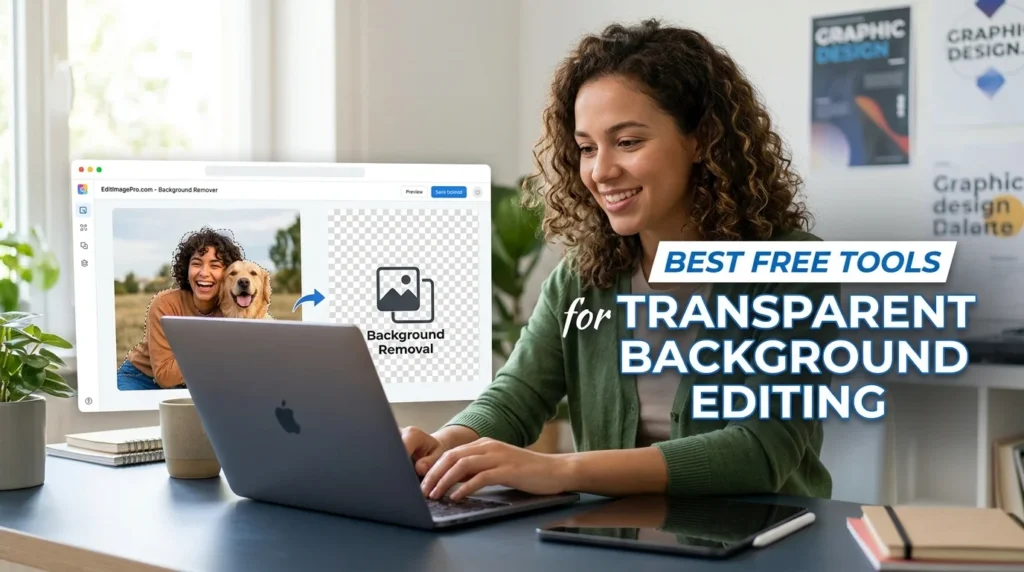
1. Remove.bg
One of the most popular AI background removal platforms is Remove. bg. It allows users to upload an image and automatically removes the background within seconds.
Features:
- AI-powered automatic background removal
- Fast processing speed
- Transparent PNG downloads
- Supports portraits, products, and objects
- API integration for businesses
- Remove.bg is especially popular among e-commerce sellers and social media creators because of its simplicity.
Advantages:
- Beginner-friendly
- Very fast
- Clean interface
Limitations:
- The free version may limit HD downloads
2. Canva Background Remover:
Canva is widely known as a graphic design platform, but it also includes transparent background editing tools. Canva allows users to create social media graphics, posters, presentations, and thumbnails while removing backgrounds from images directly within the editor.
Features:
- Drag-and-drop editing
- Integrated design tools
- Easy background replacement
- Transparent PNG export
- Templates for content creation
Advantages:
- Great for design projects
- User-friendly interface
- Cloud-based editing
Limitations:
- Some transparent export features require Canva Pro
3. Pixlr Remove BG
Pixlr is another free online editor offering AI-powered background removal. Pixlr stands out because it combines automatic removal with manual editing tools.
Features:
- Free AI background remover
- Manual brush adjustments
- Transparent background downloads
- Browser-based editing
Advantages:
- No advanced skills required
- Allows fine-tuning
- Works directly in the browser
Limitations:
- Advanced features may require a premium plan
4. GIMP:
For users who prefer desktop software, GIMP is one of the best free image editing programs available. GIMP is open source software with powerful editing capabilities similar to Photoshop. It supports layers, masks, transparency editing, and advanced image manipulation.
Features:
- Full transparency support
- Layer editing
- Alpha channels
- Professional editing tools
Advantages:
- Completely free
- Advanced editing flexibility
- Works offline
Limitations:
- Learning curve for beginners
- Manual editing can take time
5. PhotoRoom
PhotoRoom is highly popular among online sellers, influencers, and small businesses. The platform uses AI to create professional-looking transparent product images instantly. Many e-commerce sellers use PhotoRoom to improve product photography for platforms like Amazon, Shopify, and Etsy.
Features:
- One-click background removal
- Product photo optimization
- Batch editing support
- AI enhancement tools
Advantages:
- Excellent for e-commerce
- Mobile-friendly
- Professional output quality
Limitations:
- The free version may include limitations on exports
6. Erase. bg:
Erase.bg is another free AI-powered platform that supports transparent PNG generation. The tool is designed for simplicity and speed, offering high-resolution image downloads without requiring complicated editing.
Features:
- Automatic background removal
- Supports multiple image types
- High-resolution transparent exports
- AI-based subject detection
Advantages:
- Fast processing
- Simple interface
- High-quality output
Limitations:
- Internet connection required
7. nobg.space:
nob. Space is gaining popularity because of its privacy-focused editing system. Unlike many cloud-based tools, some of its processing happens locally in the browser, helping users keep images private. Users on Reddit have praised its no watermark and no-signup approach.
Features:
- Free unlimited background removal
- No watermark
- Local browser processing
- High-quality PNG exports
Advantages:
- Strong privacy protection
- No account required
- Good edge detection
Limitations:
- May run slower on low-powered mobile devices
Benefits of Transparent Background Images
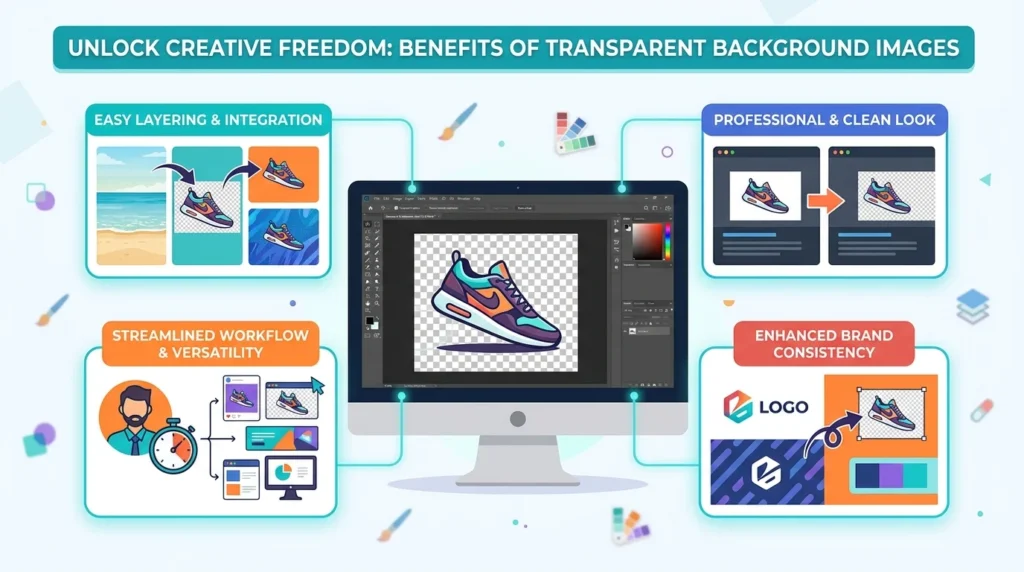
Transparent background images provide many advantages in digital design and marketing.
Professional Appearance:
Transparent PNGs look cleaner and blend naturally into websites and graphics.
Better Branding:
Logos with transparent backgrounds work across different colors and designs.
Improved Marketing:
Product images with clean backgrounds often improve customer engagement and trust.
Easier Editing:
Transparent elements can be reused in multiple projects quickly.
Final Thoughts
A transparent background image may become easier with the help of AI tools. Platforms like Remove.bg, Canva, Pixlr, GIMP, PhotoRoom, Erase.bg, and nobg. Space allows users to remove image backgrounds quickly without needing professional editing skills.
These tools are transforming digital design by helping businesses, students, marketers, photographers, and content creators produce high-quality visuals in seconds. If you need product photos, logos, social media graphics, or marketing content, transparent background editors save time while delivering professional results with the help of professional AI tools that can be available online and do not require any editing skill.
As artificial intelligence continues to improve, background removal technology will become even more accurate and creative, making professional image editing accessible to everyone.