
You’ve spent hours writing a blog post and it gets zero traffic. Sound familiar?
The truth is, great writing alone won’t rank. You need to write SEO-friendly blog posts that search engines and readers both love. In this guide, you’ll learn exactly how to do that step by step, no fluff.
What Does “SEO-Friendly” Actually Mean?
Before we dive in, let’s clear something up.
An SEO-friendly blog post isn’t just stuffed with keywords. It’s a well structured, genuinely helpful piece of content that:
- Answers what the reader is searching for
- Loads fast and is easy to read
- Uses keywords naturally (not forcefully)
- Earns backlinks because it’s worth sharing
Think of it as writing for humans, but with smart signals for search engines.
How to Do Keyword Research the Right Way
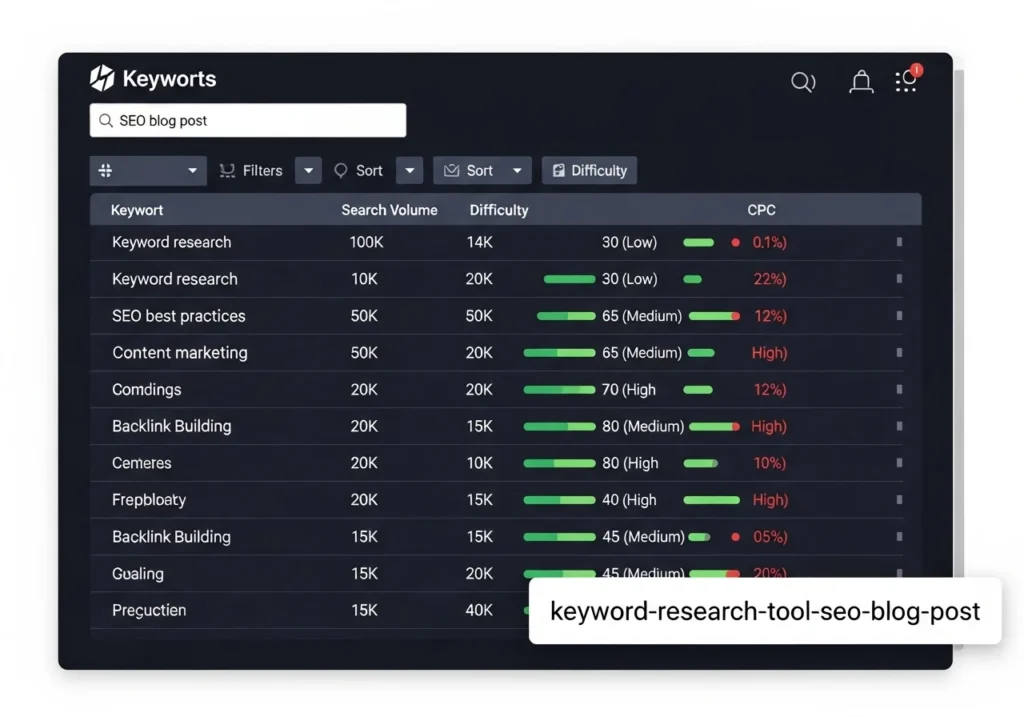
The foundation of any SEO-friendly blog post is smart keyword research.
Start with your main keyword what would your reader type into Google? Then find secondary keywords (related phrases) to support it.
Tools to use:
- Google Search + autocomplete
- Ubersuggest (free plan available)
- Ahrefs or Semrush (paid, powerful)
- AnswerThePublic (great for question-based keywords)
How to Write an SEO-Friendly Blog Post Title
Your title is the most important single line in your post.
A great SEO title should:
- Be 50–60 characters long (so it shows fully in Google)
- Include your main keyword near the beginning
- Create curiosity or promise a clear benefit
Weak title: Blog Writing Tips Strong title: How to Write SEO-Friendly Blog Posts That Rank on Google
Notice the difference? The second one tells Google and the reader exactly what they’re getting.
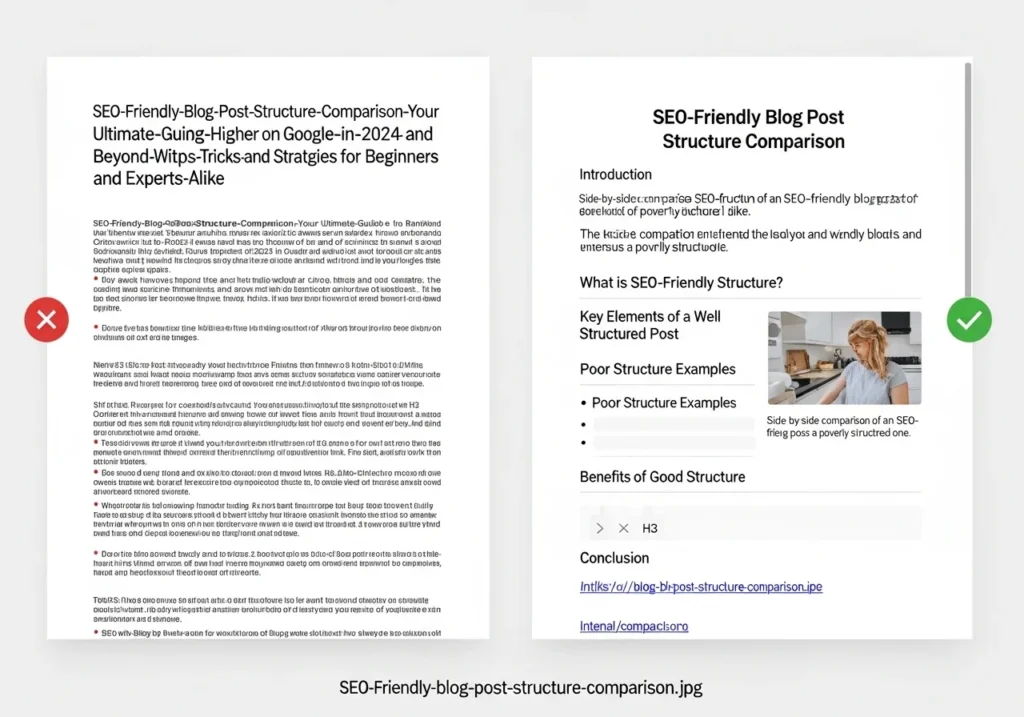
Structure Your Post with Headings (H1, H2, H3)
Search engines love structure. It helps them understand what your post is about.
Here’s the simple system to follow:
- H1 Your main title (only one per post)
- H2 Major sections (use main keyword in at least one)
- H3 Sub-sections within H2 topics
This isn’t just for SEO it makes your post way easier to read, especially on mobile.
Write an Introduction That Hooks Instantly
You have about 3 seconds to grab a reader’s attention.
Your intro should:
- Open with a relatable pain point or a bold question
- Mention your main keyword in the first 100 words
- Promise the reader something valuable
Keep paragraphs to 2 to 3 lines max. Big walls of text scare people away on mobile especially.
Use Keywords Naturally (Without Stuffing)
This is where a lot of writers go wrong.
Keyword stuffing cramming keywords in every other sentence actually hurts your rankings. Google’s algorithms are smart enough to spot it.
Aim for a keyword density of 0.5% or 1.5%. For a 2,000 words post, that means using your main keyword around 10 to 20 times naturally.
Healthy usage looks like:
- In the H1 title
- In one H2 heading
- In the intro and conclusion
- Sprinkled naturally throughout the body

Optimize Your Meta Description
Your meta description doesn’t directly affect rankings but it massively affects click-through rate.
Think of it as your post’s ad copy in Google search results.
A good meta description:
- Is 140 to 160 characters long
- Includes your main keyword
- Ends with a soft call-to-action (“Learn how,” “Find out,” “Discover”)
Example:
Learn how to write SEO-friendly blog posts that rank on Google. Step-by-step tips for better structure, keywords, and traffic growth.
Add Images And Optimize Them
Images make posts more engaging and keep readers on the page longer (great for SEO).
But raw image files can slow down your site if you’re not careful.
Best practices:
- Compress images before uploading (use TinyPNG or Squoosh)
- Always add descriptive alt text with your keyword
- Use SEO-friendly file names (no “IMG_9234.jpg”)
- Use WebP format when possible for faster load times
Write for Featured Snippets (Position Zero)
Featured snippets are those answer boxes at the very top of Google above position 1.
To target them, structure your content like this:
- Ask a question as a heading (e.g., “What is SEO-friendly content?”)
- Answer it immediately below in 40 to 60 words
- Use simple, clear language
Lists, tables, and step-by-step formats also tend to win snippets.
How Long Should Your SEO Blog Post Be?
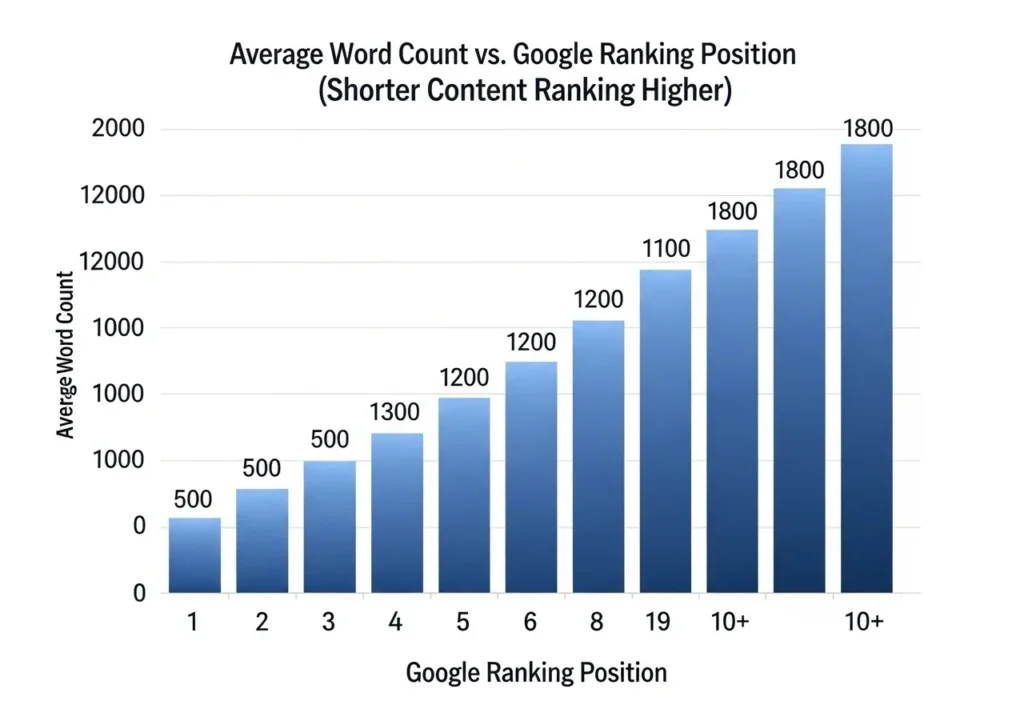
There’s no single magic number but research consistently shows longer content tends to rank better.
A general guide:
| Post Type | Recommended Word Count |
|---|---|
| Quick how-to guide | 1,000–1,500 words |
| In-depth tutorial | 2,000–3,000 words |
| Pillar/cornerstone page | 3,000–5,000+ words |
For most blog posts targeting competitive keywords, 2,000 to 2,500 words is a solid starting point.
Conclusion
Writing SEO-friendly blog posts doesn’t require you to be a technical genius.
It starts with understanding what your reader wants, structuring your content clearly, using keywords naturally, and optimizing the small details titles, meta descriptions, images, and internal links.
The more you practice this system, the more natural it becomes. And the rankings? They follow.
Ready to put this into action? Pick one existing post and apply just three of these tips today. You might be surprised what a few small tweaks can do.
FAQs
Q1: What makes a blog post SEO-friendly? An SEO-friendly blog post is well-structured, targets specific keywords naturally, loads quickly, and genuinely answers the reader’s question. It uses headings, optimized images, meta descriptions, and internal links to help search engines understand and rank the content.
Q2: How often should I use my main keyword in a blog post? Aim for a keyword density of 0.5%–1.5%. In a 2,000-word post, that’s roughly 10 to 20 uses. The key is that every use should feel natural never forced or repetitive.
Q3: Does blog post length really matter for SEO? Yes, generally longer content ranks better because it tends to be more comprehensive. However, quality always beats quantity. A focused 1,500 word post that truly helps readers will outrank a padded 3,000 word post that says nothing new.
Q4: Should I use free or paid SEO tools to write blog posts? Both work. Free tools like Google Search Console, Google Keyword Planner, and Ubersuggest are great starting points. If you’re serious about scaling, paid tools like Ahrefs or Semrush offer deeper data but they’re not required to start seeing results.
Q5: How long does it take for a blog post to rank on Google? Typically 3 to 6 months for a new post on a newer site, sometimes faster on established domains with strong authority. Consistency, quality backlinks, and regular content updates all help speed up the process.