
Slow websites kill conversions. Learn proven website speed optimization techniques to boost load times, improve SEO rankings, and keep visitors engaged. (157 chars)
Every second counts online literally.
Studies show that a 1-second delay in page load time can drop conversions by up to 7%. If your website is slow, you’re losing visitors, rankings, and revenue without even knowing it.
In this guide, we’ll walk you through the most effective website speed optimization strategies that actually work in 2025 from image compression to server upgrades. Whether you’re a blogger, business owner, or developer, these tips will help your site fly.
What Is Website Speed Optimization?
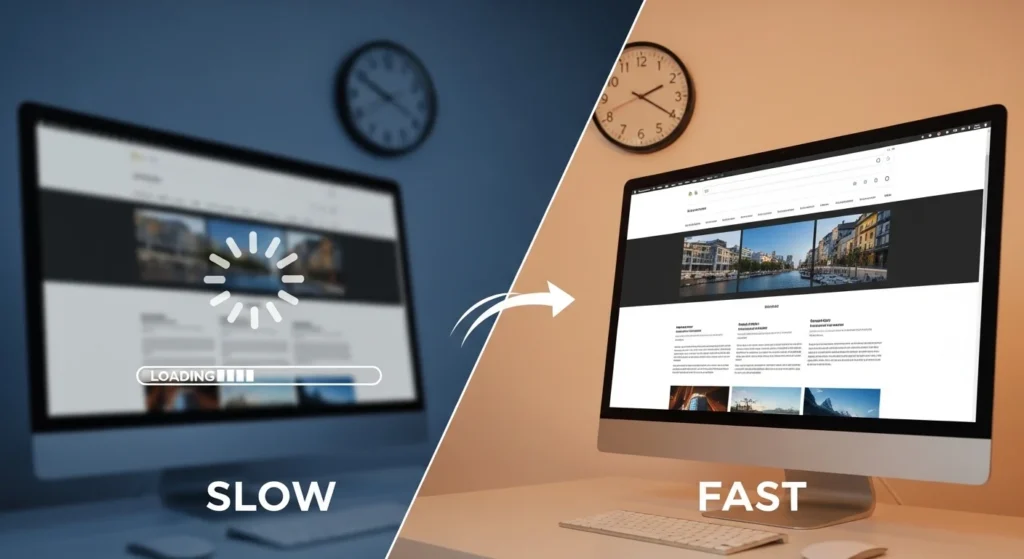
Website speed optimization is the process of improving how quickly your web pages load for users.
It involves reducing file sizes, improving server response times, minimizing code, and using smart delivery systems like CDNs. The goal? A smooth, fast experience for every visitor.
Google uses Core Web Vitals including load time as a key ranking factor. So speed isn’t just about user experience anymore. It directly impacts your SEO.
Why Website Speed Optimization Matters
Let’s be real people are impatient.
- 53% of mobile users abandon a site that takes more than 3 seconds to load (Google)
- Faster websites rank higher on Google Search
- Better speed = better user experience = more sales
Your competitors are already optimizing. If you’re not, you’re falling behind.
Top Website Speed Optimization Techniques
1. Compress and Optimize Your Images
Images are often the #1 cause of slow websites.
Use tools like TinyPNG, Squoosh, or ShortPixel to compress images without losing quality. Also, always use WebP format instead of JPEG or PNG it’s smaller and faster.
Quick tips:
- Resize images to their display dimensions before uploading
- Use lazy loading so images only load when visible
- Add descriptive alt text for SEO

2. Enable Browser Caching
Browser caching stores parts of your website on a visitor’s device.
When they come back, the browser doesn’t have to reload everything from scratch. This makes repeat visits dramatically faster.
You can enable caching via:
- Your
.htaccessfile (Apache servers) - A plugin like W3 Total Cache or WP Rocket (WordPress users)
- Your CDN settings
3. Use a Content Delivery Network (CDN)
A CDN distributes your website’s files across multiple servers around the world.
When someone visits your site, files are served from the nearest server cutting load times significantly. Popular CDN options include Cloudflare, BunnyCDN, and AWS CloudFront.
This is especially important if your audience is global.
4. Minify CSS, JavaScript, and HTML
Every unnecessary space, comment, or character in your code adds weight.
Minification removes all of that bloat without changing functionality. Tools like:
- CSSNano for CSS
- UglifyJS for JavaScript
- HTMLMinifier for HTML
Or just use a plugin like Autoptimize if you’re on WordPress.
5. Choose a Fast, Reliable Web Host
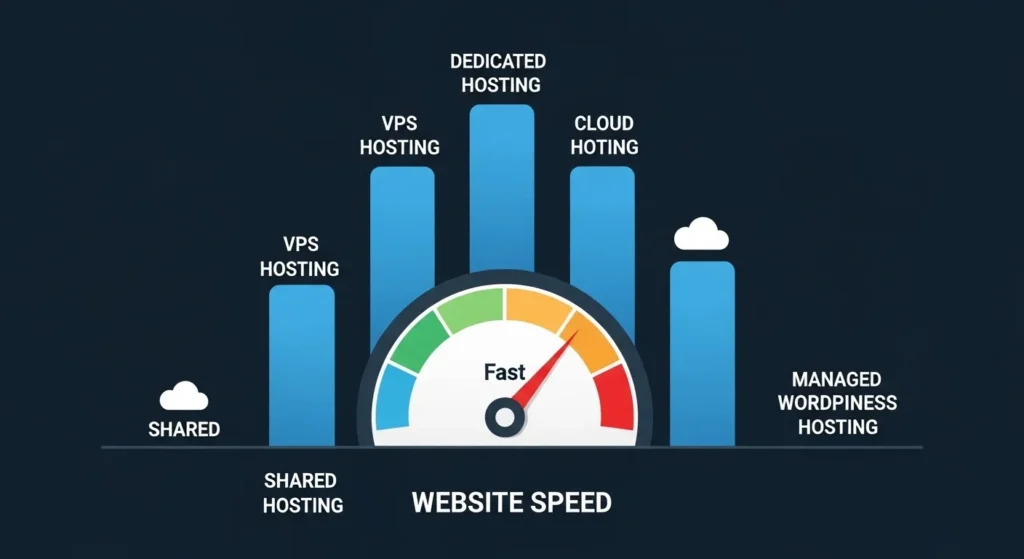
Your hosting is the foundation of your website speed.
Shared hosting can be slow because you’re sharing resources with hundreds of other sites. Consider upgrading to:
- Managed WordPress hosting (e.g., Kinsta, WP Engine)
- VPS hosting for more control
- Cloud hosting like Google Cloud or AWS for scalability
6. Reduce HTTP Requests
Every element on your page images, scripts, stylesheets makes a separate HTTP request.
The more requests, the slower your site. Here’s how to reduce them:
- Combine multiple CSS files into one
- Use CSS sprites for small icons
- Remove unused plugins and scripts
- Inline critical CSS
7. Enable GZIP Compression
GZIP compresses your website files before sending them to the browser.
This can reduce file sizes by up to 70%. Most web servers support it out of the box you just need to enable it.
On Apache, add this to your .htaccess:
AddOutputFilterByType DEFLATE text/html text/css application/javascript8. Optimize Your Database (WordPress Users)
Over time, WordPress databases fill up with junk spam comments, post revisions, transients.
Use plugins like WP-Optimize or Advanced Database Cleaner to clean things up regularly. A lean database means faster query times and quicker page loads.
How to Measure Your Website Speed
Before and after you optimize, you need to track your results.
Use these free tools:
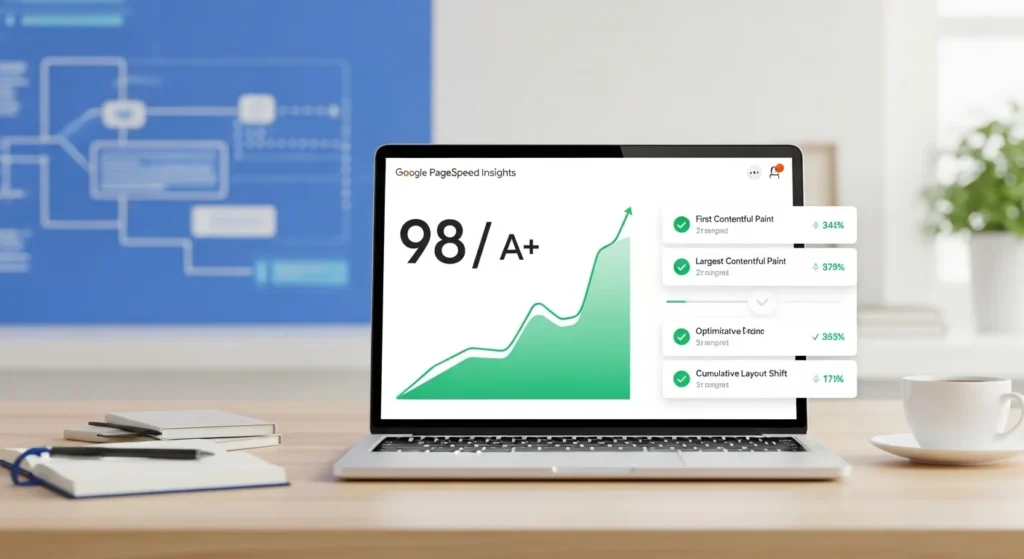
- Google PageSpeed Insights scores your page and gives specific recommendations
- GTmetrix detailed waterfall reports and performance history
- Pingdom test from multiple global locations
- WebPageTestadvanced diagnostics for developers
Aim for a PageSpeed score of 90+ on both mobile and desktop.
Quick Website Speed Optimization Checklist
Use this before you publish any new page:
- Images compressed and in WebP format
- Lazy loading enabled
- Caching plugin active
- CDN connected
- CSS and JS minified
- GZIP compression enabled
- Database cleaned
- PageSpeed score checked
Conclusion
A fast website isn’t a luxury anymore it’s a necessity.
With the website speed optimization techniques in this guide, you have everything you need to dramatically improve your site’s performance. Start with the quick wins (image compression, caching, CDN), then work your way to deeper fixes like minification and hosting upgrades.
Your visitors and Google will thank you.
Ready to speed up your site? Start with a free PageSpeed Insights test today and see where you stand.
Frequently Asked Questions (FAQs)
Q1: What is a good website load time in 2025?
A: Ideally, your website should load in under 2 seconds. Google recommends a Largest Contentful Paint (LCP) of under 2.5 seconds for a good user experience and SEO performance.
Q2: Does website speed affect SEO rankings?
A: Yes, absolutely. Google uses page speed as a direct ranking factor, especially for mobile search. Faster sites tend to rank higher and have lower bounce rates.
Q3: What is the fastest way to improve website speed?
A: The quickest wins are compressing images, enabling browser caching, and installing a CDN. These three steps alone can cut your load time in half.
Q4: Is website speed optimization different for WordPress?
A: The principles are the same, but WordPress has specific tools like WP Rocket, Smush, and Autoptimize that make optimization easier without touching code.
Q5: How often should I check my website speed?
A: Check your speed at least once a monthor after any major update, plugin install, or design change. Regular monitoring helps you catch issues before they hurt your rankings.