Selfies have become a major part of online communication and digital creativity, so remove the background from the selfie. From profile pictures and social media posts to business branding and online portfolios, people use selfies everywhere. But blurry and poor-quality images can reduce the overall quality of the whole image. That’s why most users can now look for a fast and simple way to remove the background the selfies.
It can be possible with the help of AI-powered editing tools, in which the background is no longer limited to a professional graphic designer. These days, anyone can upload a selfie and remove the background within seconds by using some online tools. No advanced editing skill or advanced software is required for it.
In this article, you will learn how to remove backgrounds from selfies in seconds, the best tools available, useful editing tips, and why AI technology has changed online photo editing completely.
Why People Remove Backgrounds from Selfies
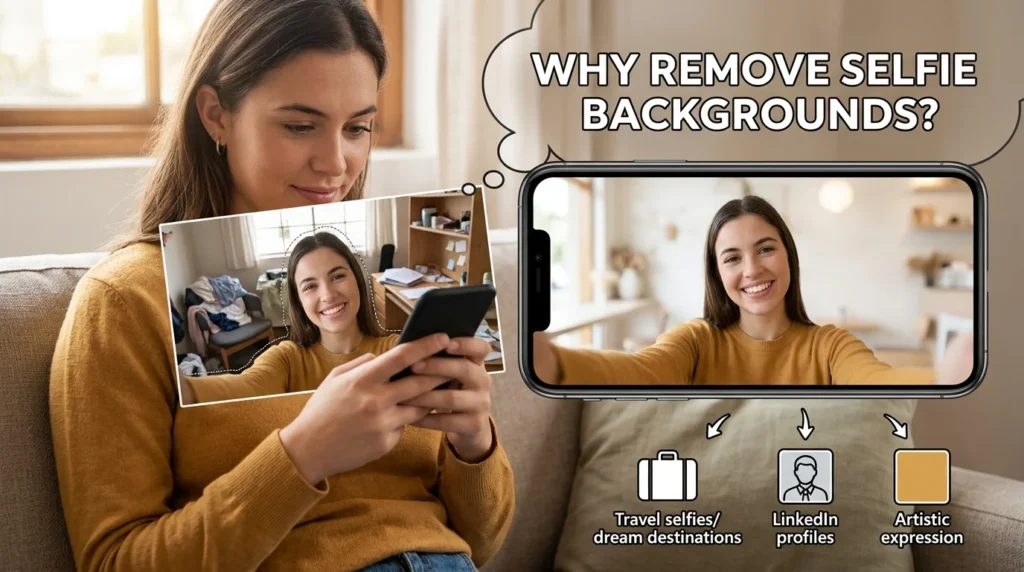
Remove background from selfie can make it look clean and professional. It can allow their user to focus on the main subject more than on unnecessary objects behind them.
Here are some common reasons people remove selfie backgrounds:
- Creating professional profile pictures
- Designing social media content
- Making YouTube thumbnails
- Creating transparent PNG images
- Improving online branding
- Designing marketing materials
- Adding custom backgrounds
How AI Background Removal Works
Modern online tools use artificial intelligence to identify the main subject in an image automatically. The AI scans the photo, detects facial features, hair, clothing, and body outlines, and then removes the background instantly.
Older editing methods may require manual selection and erasing, which took a lot of time and also required a professional skill. AI technology can now do this process automatically by itself.
The best thing is that the beginner can get a professional and clean result in just a few clicks.
Best Online Tools to Remove Backgrounds from Selfies
There are many platforms available that can remove the background from the selfies instantly. Here are the specific details given in the following:
1. Remove. bg:
Remove.bg is one of the fastest and most popular tools for removing selfie backgrounds. Users simply upload a photo, and the AI removes the background automatically within seconds.
Features:
- One-click background removal
- Accurate hair detection
- Transparent PNG export
- Fast online processing
1. Best For:
- Social media users
- Beginners
- Quick edits
2. Canva:
Canva offers a built-in background remover feature along with powerful design tools.
Features:
- Easy drag-and-drop editor
- Background replacement options
- Templates for social media posts
- Custom design tools
Best For:
- Content creators
- Instagram posts
- Marketing designs
3. Adobe Express:
Adobe Express combines AI background removal with advanced editing tools while keeping the interface beginner-friendly.
Features:
- High-quality AI detection
- Professional editing options
- Quick export tools
- Cloud-based editing
Best For:
- Professional creators
- Business branding
- Advanced social content
3. Fotor:
Fotor provides AI selfie editing along with beauty enhancement tools.
Features:
- AI background remover
- Beauty filters
- Skin retouching
- Easy editing dashboard
Best For:
- Selfie enhancement
- Beauty content creators
- Casual users
Tips for Better Selfie Background Removal:
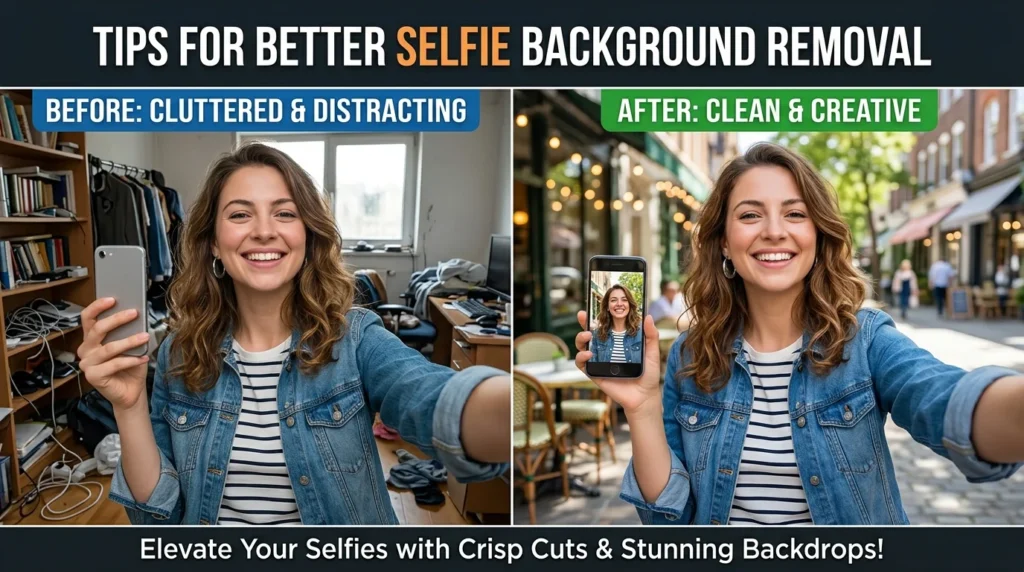
AI tools that can be used for the removal of backgrounds are powerful, but bad image quality may affect the results. Here are some useful tips to get better results for clean cutouts:
Use bright lighting:
Well-lit selfies help AI detect facial features more accurately.
Avoid Blurry Photos:
Sharp images produce better edge detection.
Keep the background simple:
Plain backgrounds improve AI accuracy.
Check Hair Edges Carefully:
Hair is one of the most difficult areas for AI detection. Always inspect the edges before downloading.
Use High-Resolution Images:
Higher-quality photos deliver more professional results.
Advantages of Online AI Background Removal:
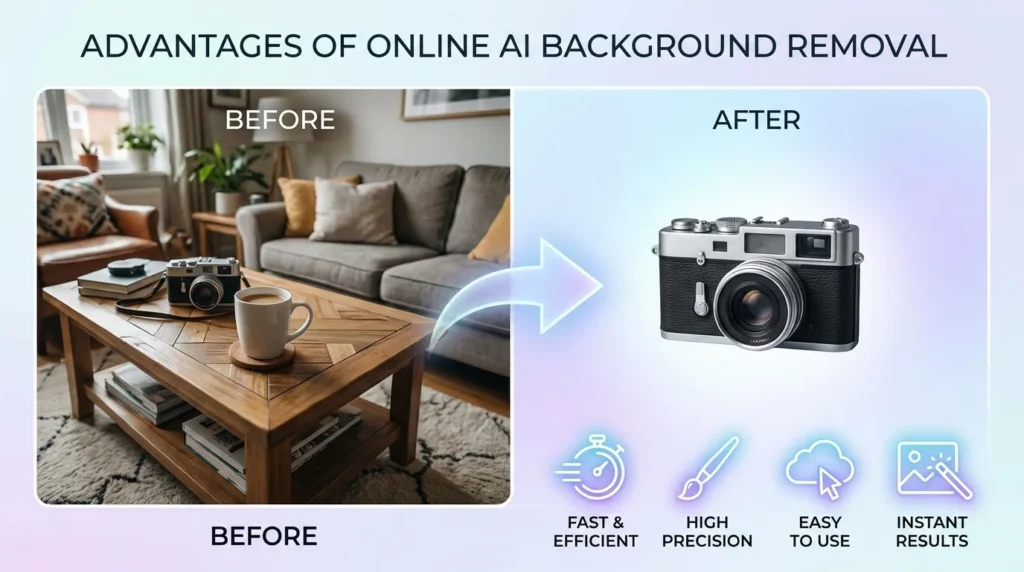
Some important advantages of online AI background removal platforms over traditional editing are given in the following:
Saves Time:
Backgrounds can be removed in seconds instead of hours.
Beginner-Friendly:
No editing experience is required.
No Installation Needed:
Most tools work directly in the browser.
Affordable:
Many platforms offer free versions for personal use. So you don’t need to pay for expensive software.
Professional Results:
It can give you clean and professional results instead of traditional editing.
Common Uses for Transparent Selfies:
Once the background is removed, transparent selfies can be used in many creative ways.
Social Media Profiles:
Professional looking profile pictures improve online presence.
YouTube Thumbnails:
Transparent selfies help create eye-catching thumbnails.
Marketing Content:
Businesses use cutout selfies in ads and promotions.
Resume Photos:
Clean profile images create a better professional impression.
Graphic Design Projects:
Transparent images work well in posters, banners, and presentations.
Final Thoughts:
Removing backgrounds from selfies instantly may become easier with the help of online AI-powered tools. Platforms like Remove.bg, Canva, and Adobe Express allow their users to create professional-looking transparent images without advanced editing skills.
If you want to improve your social media profile, create digital content, or design professional marketing materials, online selfie background removers can save your time and deliver impressive results.
As AI continues to improve like this, background removal tools may become even faster, smarter, and more accurate. For beginners and content creators, these tools may become an essential part of modern photo editing.