
Discover the top 10 Python libraries every developer should know in 2026. From data science to web dev master these tools and code smarter, faster, better!
Python is everywhere and the secret behind its power isn’t just the language itself.
It’s the libraries.
The right Python library can turn a 500-line project into a 50-line masterpiece. Whether you’re building machine learning models, scraping websites, creating APIs, or visualizing data, there’s a library that makes it effortless.
In this guide, we’re breaking down the top 10 Python libraries every developer beginner or advanced should have in their toolkit in 2025. Each one is battle-tested, widely used in the industry, and absolutely worth your time.
Let’s dive in.
Pinterest Tip: Save this post! It’s your go-to cheat sheet for the most essential Python libraries in 2025.
Why Python Libraries Matter So Much
Before we jump into the list, let’s be real for a second.
Writing everything from scratch is noble but it’s not smart. Python libraries are pre-written, tested, and optimized code packages that let you build faster and focus on what actually matters: solving problems.
The Python Package Index (PyPI) has over 500,000 packages. So knowing which ones to learn first gives you a massive head start.
Here’s what makes a library worth your time:
- Large, active community
- Well-maintained and regularly updated
- Solves a real, recurring problem
- Used by top companies and open-source projects
All 10 libraries on this list check every single box.
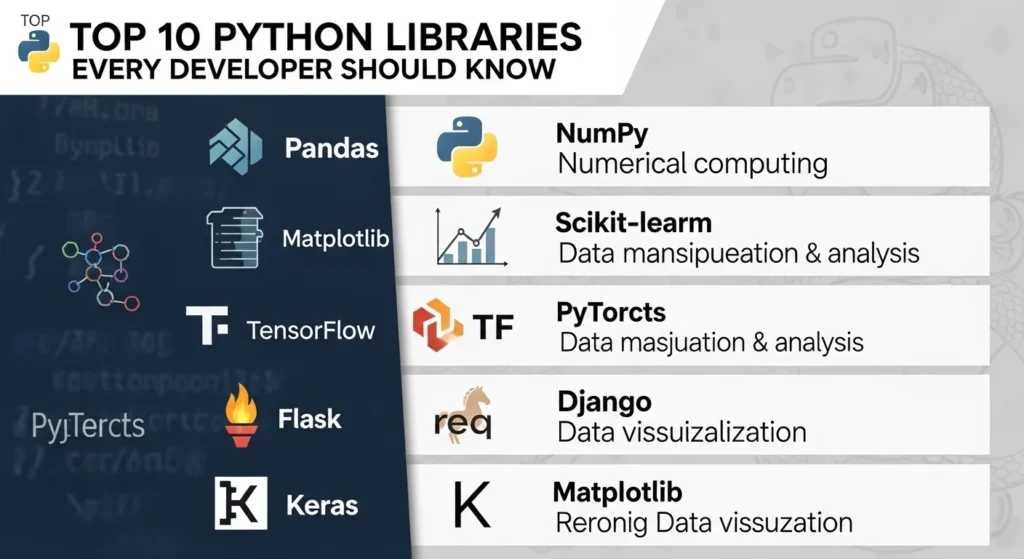
The Top 10 Python Libraries Every Developer Should Know
Let’s get into it. Here are the libraries that belong in every Python developer’s arsenal ranked by versatility and real-world impact.
1. NumPy The Foundation of Scientific Computing
Install: pip install numpy
Best For: Numerical computation, arrays, math operations
If you’ve done anything with data in Python, you’ve used NumPy or something built on top of it.
NumPy introduces the ndarray (N-dimensional array), which is the backbone of nearly every data science and ML library in existence. It’s blazing fast because it’s written in C under the hood.
import numpy as np

arr = np.array([1, 2, 3, 4, 5])
print(arr * 2)  # [2, 4, 6, 8, 10]
print(arr.mean())  # 3.0
Why you need it:
- Matrix and vector operations
- Linear algebra
- Random number generation
- Used internally by Pandas, TensorFlow, Scikit-learn, and more
Pro Tip: Always prefer NumPy array operations over Python loops they’re often 50x faster.
2. Pandas Your Data Manipulation Superpower
Install: pip install pandas
Best For: Data cleaning, analysis, transformation
Pandas is what makes Python the language of data analysts worldwide.
It gives you two key structures: Series (1D) and DataFrame (2D table). Think of it as Excel but programmable, scalable, and actually enjoyable to use.
import pandas as pd

df = pd.read_csv("sales_data.csv")
print(df.head())
print(df["revenue"].sum())
print(df.groupby("region")["revenue"].mean())
Why you need it:
- Load CSV, Excel, JSON, SQL data in one line
- Filter, sort, group, and reshape data effortlessly
- Handle missing values cleanly
- Merge and join datasets like a pro
3. Matplotlib Visualize Your Data Like a Pro
Install: pip install matplotlib
Best For: Charts, graphs, data visualization
Data without visuals is just noise. Matplotlib is Python’s original plotting library and still one of the best.
It’s incredibly flexible. Bar charts, line graphs, scatter plots, histograms, pie charts if you can imagine it, Matplotlib can draw it.
import matplotlib.pyplot as plt

x = [1, 2, 3, 4, 5]
y = [10, 25, 18, 40, 32]

plt.plot(x, y, color='teal', linewidth=2)
plt.title("Monthly Growth")
plt.xlabel("Month")
plt.ylabel("Users")
plt.show()
Why you need it:
- Full control over every visual element
- Works natively with NumPy and Pandas
- Supports subplots, annotations, custom styles
- Export to PNG, PDF, SVG
4. Requests HTTP Made Dead Simple
Install: pip install requests
Best For: API calls, web scraping setup, HTTP communication
Need to talk to an API? Fetch a webpage? Send data to a server? Requests makes it a one-liner.
It’s the most downloaded Python library on PyPI and for good reason. It handles the messy HTTP logic so you don’t have to.
import requests

response = requests.get("https://api.github.com/users/octocat")
data = response.json()
print(data["name"])  # The Octocat
print(response.status_code)  # 200
Why you need it:
- GET, POST, PUT, DELETE requests with ease
- Handles headers, authentication, sessions
- Works with REST APIs out of the box
- Built-in JSON parsing
Pro Tip: Pair Requests with BeautifulSoup for powerful web scraping workflows.
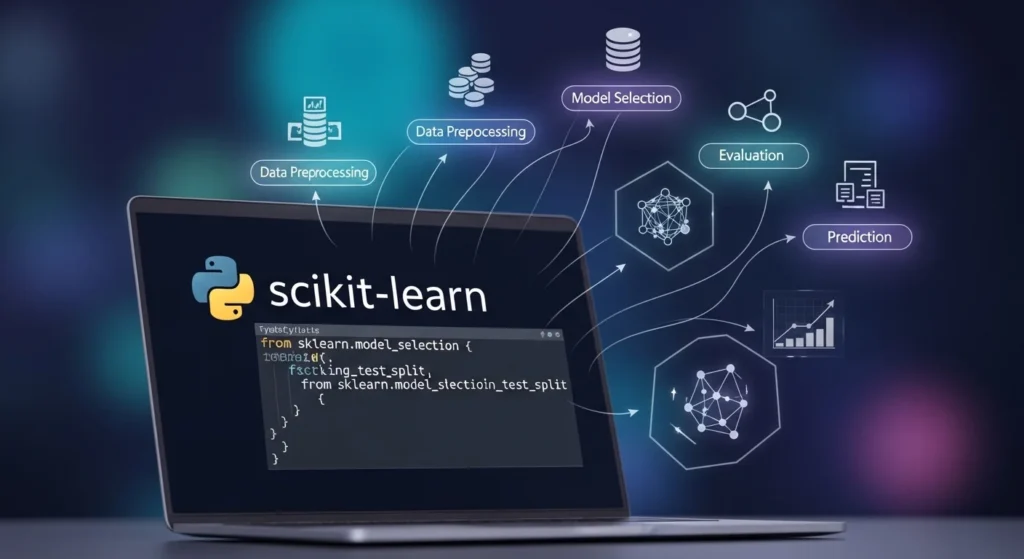
5. Scikit-learn Machine Learning for Everyone
Install: pip install scikit-learn
Best For: Classification, regression, clustering, model evaluation
Scikit-learn is where most developers write their first machine learning model and many never leave.
It provides clean, consistent APIs for dozens of ML algorithms: decision trees, SVMs, random forests, k-means, and more. No PhD required.
from sklearn.linear_model import LinearRegression
import numpy as np

X = np.array([[1], [2], [3], [4], [5]])
y = np.array([2, 4, 5, 4, 5])

model = LinearRegression()
model.fit(X, y)
print(model.predict([[6]]))  # Predicted value for x=6
Why you need it:
- Preprocessing, model training, evaluation in one library
- Works seamlessly with NumPy and Pandas
- Excellent documentation and tutorials
- Industry-standard for traditional ML
6. TensorFlow Deep Learning at Scale
Install: pip install tensorflow
Best For: Neural networks, deep learning, AI model training
If Scikit-learn is where ML begins, TensorFlow is where it goes deep.
Built by Google, TensorFlow powers production AI systems at massive scale. It supports GPU/TPU acceleration, model deployment, and the full deep learning lifecycle.
import tensorflow as tf

model = tf.keras.Sequential([
    tf.keras.layers.Dense(64, activation='relu'),
    tf.keras.layers.Dense(10, activation='softmax')
])

model.compile(optimizer='adam', loss='sparse_categorical_crossentropy', metrics=['accuracy'])
Why you need it:
- Build and train neural networks
- Deploy models to web, mobile, and cloud
- TensorFlow Lite for edge/mobile devices
- Used by Google, Airbnb, Twitter, Intel
7. Flask Build Web Apps in Minutes
Install: pip install flask
Best For: Web APIs, microservices, lightweight web applications
Flask is the minimalist’s dream web framework. It gives you just enough structure to build something real without dictating how you do it.
In under 10 lines, you can have a live web server running.
from flask import Flask, jsonify

app = Flask(name)

@app.route("/api/hello")
def hello():
    return jsonify({"message": "Hello from Flask!"})

if name == "main":
    app.run(debug=True)
Why you need it:
- Fast to learn and start
- Great for REST API development
- Flexible add only what you need
- Huge ecosystem of Flask extensions
Pro Tip: Use Flask for APIs and pair it with React or Vue on the frontend for a full-stack Python app.
8. Django The Full-Stack Python Powerhouse
Install: pip install django
Best For: Full-featured web applications, CMS, enterprise projects
Where Flask is a scalpel, Django is a Swiss Army knife.
Django follows the “batteries included” philosophy authentication, admin panel, ORM, templating, security, and routing all come built-in. It’s the framework behind Instagram, Pinterest, and Disqus.
# models.py
from django.db import models

class Article(models.Model):
    title = models.CharField(max_length=200)
    content = models.TextField()
    published_at = models.DateTimeField(auto_now_add=True)

    def str(self):
        return self.title
Why you need it:
- Build full web apps fast
- Admin panel generated automatically
- Rock-solid security defaults
- Scales from startup to enterprise
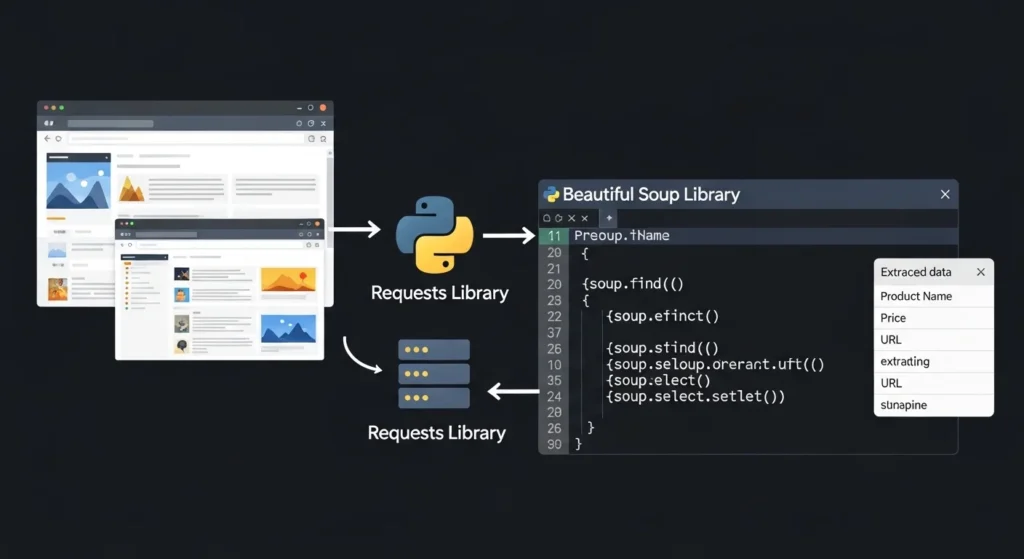
9. Beautiful Soup Web Scraping Made Easy
Install: pip install beautifulsoup4
Best For: HTML/XML parsing, web scraping, data extraction
The internet is full of data and Beautiful Soup is how you get it.
It parses HTML and XML documents into Python-friendly objects, letting you navigate, search, and extract content with intuitive syntax.
from bs4 import BeautifulSoup
import requests

page = requests.get("https://example.com")
soup = BeautifulSoup(page.content, "html.parser")

title = soup.find("h1").text
links = [a["href"] for a in soup.find_all("a")]

print(title)
print(links[:5])
Why you need it:
- Extract prices, headlines, job listings, reviews
- Works with broken/malformed HTML too
- Pairs perfectly with Requests
- Clean, readable API
10. OpenCV Computer Vision and Image Processing
Install: pip install opencv-python
Best For: Image processing, video analysis, face detection, real-time vision
OpenCV (Open Computer Vision) is the go-to library for anything visual photos, videos, live camera feeds.
It’s used in self-driving cars, security cameras, medical imaging, AR apps, and more. And it’s surprisingly approachable.
import cv2

img = cv2.imread("photo.jpg")
gray = cv2.cvtColor(img, cv2.COLOR_BGR2GRAY)

face_cascade = cv2.CascadeClassifier(cv2.data.haarcascades + "haarcascade_frontalface_default.xml")
faces = face_cascade.detectMultiScale(gray, 1.1, 4)

print(f"Detected {len(faces)} face(s)")
cv2.imshow("Result", img)
cv2.waitKey(0)
Why you need it:
- Real-time face/object detection
- Image filters and transformations
- Video frame processing
- Works with TensorFlow and PyTorch for AI vision pipelines
How to Choose the Right Python Library for Your Project
With so many options, where do you start?
Here’s a simple decision framework:
Are you working with data?
Start with NumPy + Pandas + Matplotlib
Do you want to build ML models?
Learn Scikit-learn first, then TensorFlow
Are you building a web app or API?
Use Flask for small projects, Django for large ones
Need to pull data from websites?
Combine Requests + Beautiful Soup
Working with images or video?
Reach for OpenCV
Don’t try to learn all 10 at once. Pick the one that solves your current problem and go deep.
Conclusion
Python’s power comes from its ecosystem and now you know the top 10 Python libraries that make up the core of that ecosystem.
Here’s a quick recap of what you’ve learned:
- NumPy & Pandas Your data manipulation foundation
- Matplotlib Turn raw numbers into clear visuals
- Requests & Beautiful Soup Connect to the web and extract data
- Scikit-learn & TensorFlow Build everything from simple models to deep neural networks
- Flask & Django Create web apps and APIs at any scale
- OpenCV Work with images and video like a computer vision engineer
You don’t need to master all 10 overnight. Pick one, build something real with it, and move to the next.
The best Python developers aren’t the ones who know the most libraries they’re the ones who know which library to use when.
Which Python library do you use most? Drop a comment below or save this post to Pinterest for your next coding session!
Frequently Asked Questions (FAQs)
What are the most important Python libraries for beginners?
If you’re just starting out, focus on Requests (simplest to use), Pandas (hugely in-demand skill), and Flask (see results fast). These three cover the most common beginner use cases and have excellent learning resources.
Which Python libraries are used most in data science jobs?
In data science roles, NumPy, Pandas, Matplotlib, and Scikit-learn are the most commonly required. Knowing these four puts you in a strong position for most junior-to-mid data science positions.
Is TensorFlow better than PyTorch for beginners?
Both are excellent. TensorFlow (with Keras) has slightly more deployment tooling and corporate backing. PyTorch is often preferred in research and academia for its flexibility. For beginners, either works pick whichever has tutorials you find easier to follow.
Can I use multiple Python libraries together in one project?
Absolutely and you should! Most real-world Python projects combine several libraries. A typical data pipeline might use Pandas to clean data, Matplotlib to visualize it, and Scikit-learn to model it. These libraries are designed to work together seamlessly.
How do I install Python libraries?
Most Python libraries are installed using pip, Python’s package manager. Open your terminal and run:
pip install library-name
For example: pip install pandas or pip install flask. It’s recommended to use a virtual environment (venv) to keep your projects clean and dependency-free.