
Learn how to optimize your website for local SEO and rank higher in your city. Simple, proven tips to attract nearby customers fast. Start today!
Is your business invisible online to people right around the corner? That’s a real problem and local SEO is the fix.
When someone types “best coffee shop near me” or “plumber in [your city],” Google shows local results first. If your website isn’t optimized for local SEO, you’re handing those customers to your competitors for free.
In this guide, you’ll learn exactly how to optimize your website for local SEO, step by step. Whether you’re a small business owner, a freelancer, or a marketer, these tips work. No fluff. Just results.
What Is Local SEO and Why Does It Matter?
Local SEO (Search Engine Optimization) is the process of making your website rank higher in location-based search results.
Think of it this way: When someone searches “dentist in Chicago,” Google shows a local pack a map with three businesses. Those spots are pure gold.
Why it matters:
- 46% of all Google searches have local intent
- 78% of local mobile searches result in an offline purchase
- Businesses in the local pack get the most clicks even more than the #1 organic result
If you’re not showing up locally, you’re losing money every single day.
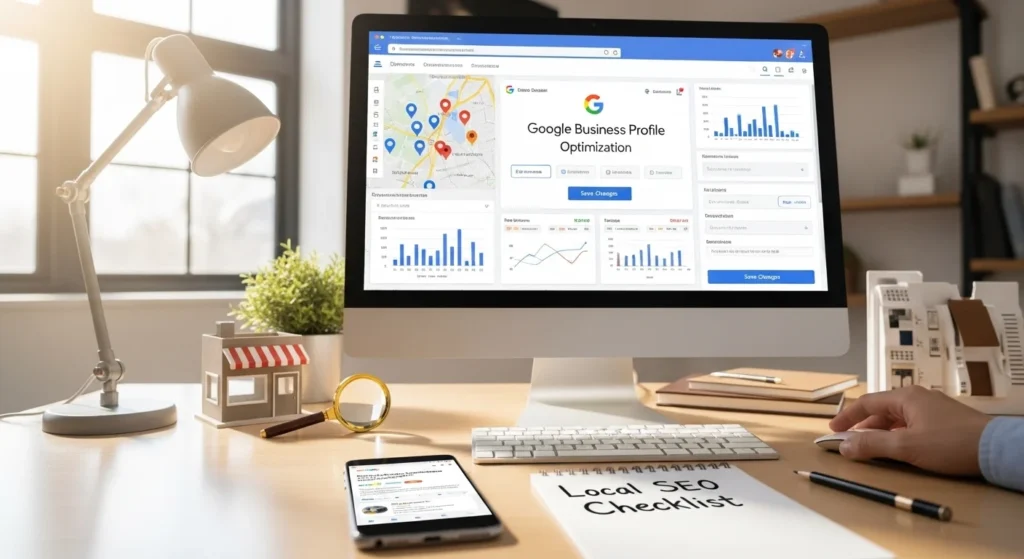
Set Up and Optimize Your Google Business Profile
This is the single most important step for local SEO. Your Google Business Profile (GBP) is what shows up in Google Maps and the local pack.
Here’s how to optimize it:
- Claim your profile at business.google.com
- Fill in every field name, address, phone (NAP), hours, website
- Choose the most accurate business category
- Add high-quality photos (inside, outside, team, products)
- Collect and respond to Google reviews regularly
- Post updates at least once a week
Step 2: Optimize Your Website for Local SEO with On-Page Changes
Your website itself needs to speak the language of local search. Here’s what to fix:
Add Your City/Region to Key Pages
Don’t just say “We offer plumbing services.” Say “We offer plumbing services in Austin, Texas.”
Place your location in:
- Page titles (H1 tags)
- Meta descriptions
- First paragraph of content
- URL slugs (e.g.,
/plumber-austin-texas) - Image alt text
Create a Dedicated Location Page
If you serve multiple cities, build a separate landing page for each location. Each page should have:
- Unique content (not copy-pasted)
- Local keyword in the title
- Embedded Google Map
- Local customer testimonials
- Your full NAP details
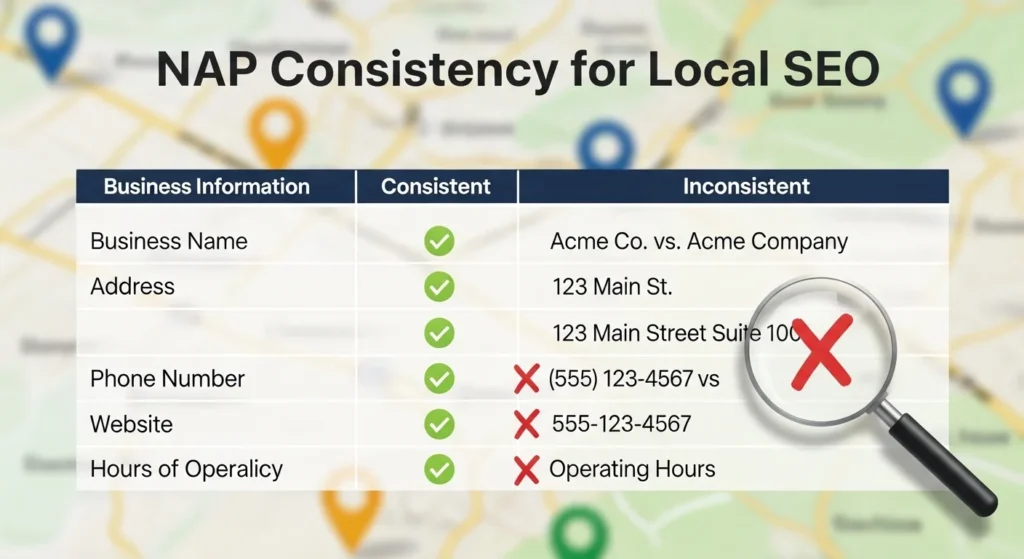
Get Your NAP Consistent Across the Web
NAP stands for Name, Address, Phone Number. Google cross-checks this info across the internet. If it’s inconsistent, your rankings drop.
Audit your NAP on:
- Your website (footer + contact page)
- Google Business Profile
- Yelp, Facebook, Bing Places
- Local directories and niche sites
Use a tool like Moz Local or BrightLocal to find and fix inconsistencies automatically.
Step 4: Build Local Citations
A citation is any online mention of your business name, address, and phone number even without a link.
Top places to get citations:
- Google Business Profile
- Apple Maps
- Bing Places
- Yelp
- Yellow Pages
- TripAdvisor (if relevant)
- Local Chamber of Commerce websites
- Industry-specific directories
The more consistent citations you have, the more trustworthy your business looks to Google.
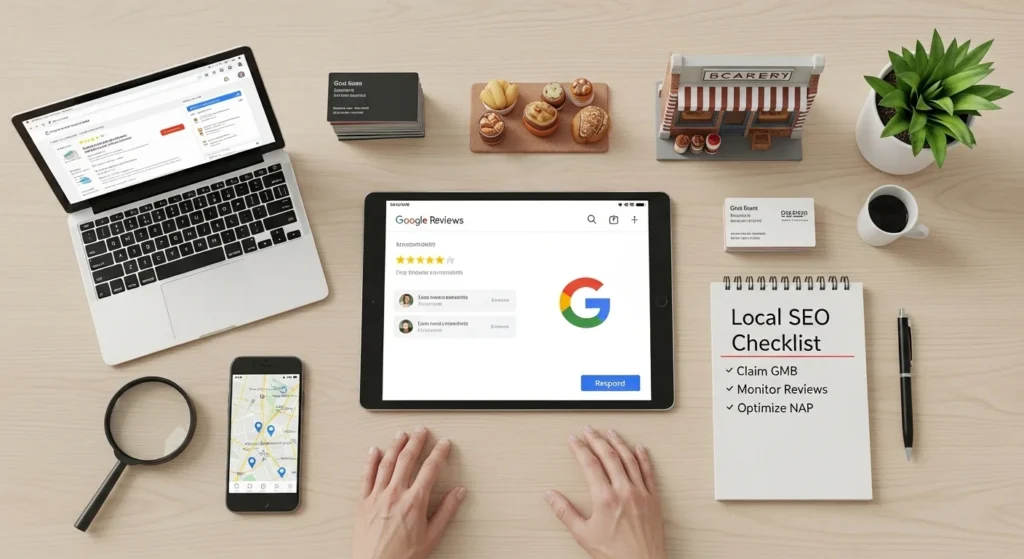
Earn and Manage Local Reviews
Reviews are trust signals for both customers and Google. More positive reviews = higher local rankings.
How to get more reviews:
- Ask satisfied customers directly (email, text, or in-person)
- Add a “Leave a Review” link to your email signature
- Create a short URL to your Google review page
- Respond to every review positive and negative
Optimize for Mobile and Page Speed
Over 60% of local searches happen on mobile phones. If your site is slow or broken on mobile, you’ll lose rankings and visitors.
Quick mobile SEO checklist:
- Use a responsive (mobile-friendly) design
- Test your site with Google’s Mobile-Friendly Test
- Compress all images (use WebP format)
- Enable browser caching
- Use a fast hosting provider
- Aim for a Core Web Vitals score of “Good”
Even a 1-second delay in load time can reduce conversions by 7%.
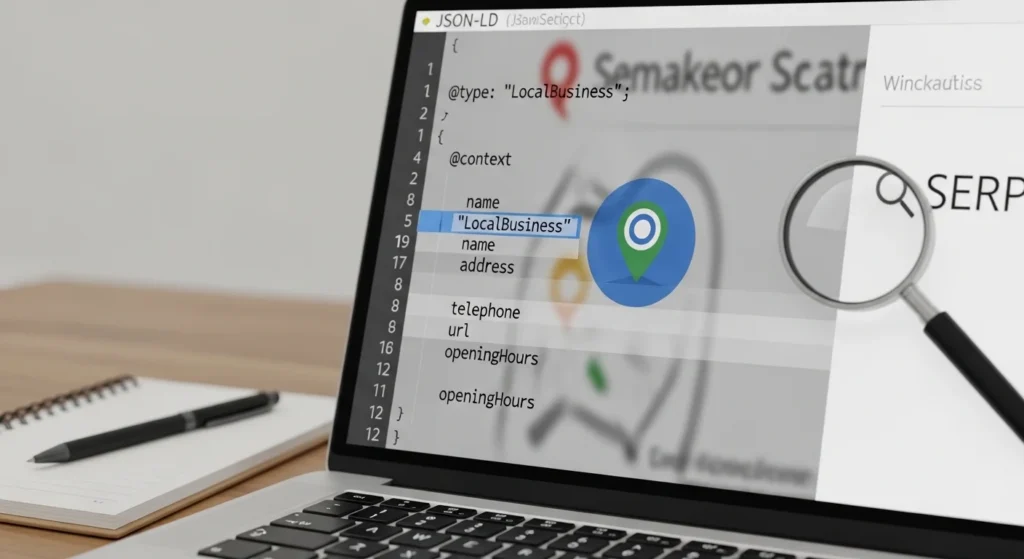
Use Local Schema Markup
Schema markup is code you add to your website that tells Google extra details about your business like your hours, reviews, address, and services.
For local SEO, use LocalBusiness schema. It looks something like this (JSON-LD format):
{
  "@context": "https://schema.org",
  "@type": "LocalBusiness",
  "name": "Your Business Name",
  "address": {
    "@type": "PostalAddress",
    "streetAddress": "123 Main St",
    "addressLocality": "Your City",
    "addressRegion": "Your State",
    "postalCode": "12345"
  },
  "telephone": "+1-555-000-0000",
  "openingHours": "Mo-Fr 09:00-18:00"
}
Use Google’s Rich Results Test to verify your schema is working correctly.
Conclusion
Local SEO isn’t magic it’s a system. And once you set it up properly, it works for you around the clock.
To recap the key steps to optimize your website for local SEO:
- Set up and fully optimize your Google Business Profile
- Add location-specific keywords to your website pages
- Keep your NAP consistent everywhere online
- Build local citations across trusted directories
- Actively collect and respond to reviews
- Make your website fast and mobile-friendly
- Add LocalBusiness schema markup
Start with one step today. Even small improvements compound into big results over time.
Ready to dominate local search? Audit your Google Business Profile right now it’s free and takes less than 10 minutes.
Frequently Asked Questions (FAQs)
1. How long does it take to see results from local SEO?
Most businesses see noticeable improvements within 3 to 6 months of consistent local SEO work. Some changes like fixing NAP inconsistencies can show results faster.
2. Is Google Business Profile really free?
Yes, completely free. Creating and optimizing your Google Business Profile costs nothing and is one of the highest-ROI actions you can take for local SEO.
3. What’s the difference between local SEO and regular SEO?
Regular SEO targets broad, national, or global keywords. Local SEO focuses on location-specific searches like “near me” or “[service] in [city].” Local SEO also relies heavily on Google Maps, citations, and reviews.
4. Do I need a physical address for local SEO?
It helps significantly. Google gives priority to businesses with a verified physical address. However, service-area businesses (like plumbers or delivery services) can still rank well by setting a service area in their GBP.
5. How many keywords should I target for local SEO?
Start with 5–10 core local keywords your main service + city. Then expand to secondary keywords like neighborhood names, nearby towns, and service variations. Quality beats quantity here.