Your work is stunning. But if no one can find it, it doesn’t matter.
Building a portfolio website for web designers is one of the most powerful career moves you can make. It’s your 24/7 salesperson, your first impression, and your creative proof all in one place. Whether you’re just starting out or leveling up, this guide walks you through every step to create a portfolio that gets noticed and gets hired.
Why Every Web Designer Needs a Portfolio Website

Clients don’t hire résumés. They hire results.
A personal portfolio website lets you:
- Show, not just tell: display real work with context
- Build credibility as a professional designer
- Attract dream clients who align with your style
- Rank on Google so people can find you organically
- Own your brand; no algorithm controls your reach
Think of it as your digital home base. Social media platforms come and go, but your website is always yours.
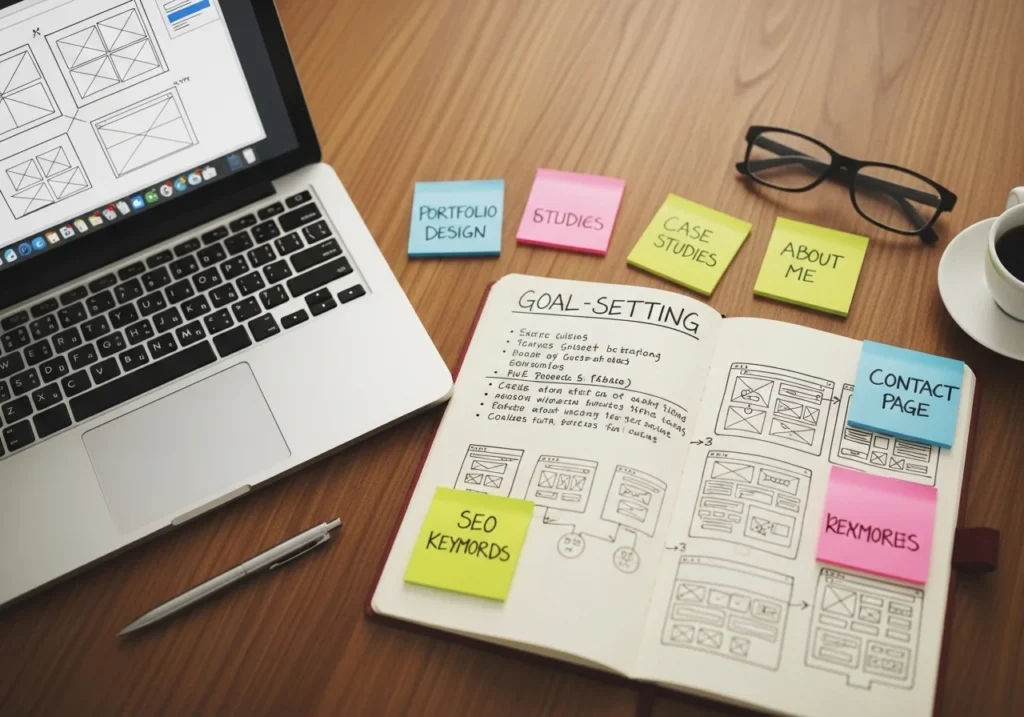
Define Your Goals Before You Build a Portfolio Website for Web Designers
Before touching a single tool, ask yourself:
- Who is your target client? (startups, agencies, local businesses?)
- What type of work do you want more of? (UI/UX, Webflow, branding?)
- What action should visitors take? (contact you, download your resume, book a call?)
Your goals shape everything: layout, tone, and content.
A portfolio built for a luxury brand client looks completely different from one built for a SaaS startup. Niche down early.
Choose the Right Platform to Build Your Portfolio
There is no single “best” platform, but there is a best platform for you.
Top Options for Web Designers in 2025:
| Platform | Best For | Skill Level |
|---|---|---|
| Webflow | Design control, animations | Intermediate–Advanced |
| Framer | Motion-first, modern look | Intermediate |
| WordPress | SEO, flexibility | Beginner–Advanced |
| Squarespace | Quick setup, clean UI | Beginner |
| Custom HTML/CSS | Full control, uniqueness | Advanced |
If you’re a web designer, Webflow or Framer is a flex. It shows potential clients you can build real, live websites, not just mockups.
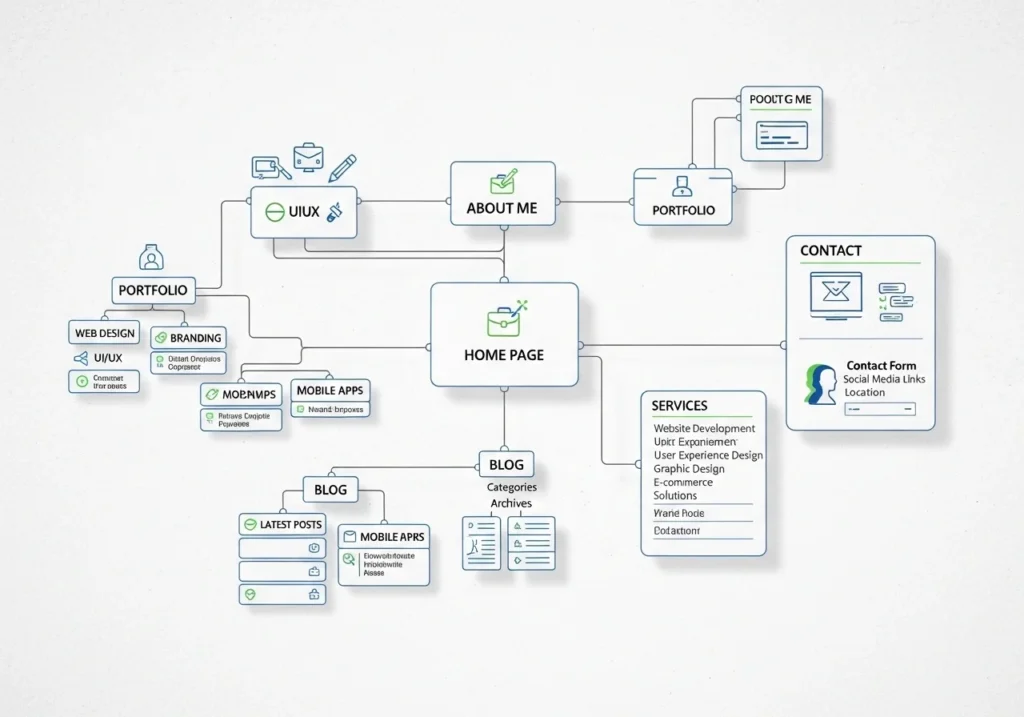
Plan Your Portfolio Structure and Pages
Keep it simple. Visitors decide in seconds whether to stay or leave.
Recommended Pages:
- Hook them with your best work and a clear headline
- Portfolio/Work curated case studies (quality > quantity)
- About human story + your process
- Services (optional): what you offer and pricing hints
- Contact make it easy to reach you
- Blog (optional but great for SEO)
Create Compelling Case Studies Not Just Pretty Pictures
This is the section most designers get wrong.
A gallery of screenshots is not a portfolio. A case study tells the story behind the work.
Anatomy of a Great Case Study:
- Project Overview: What was the problem?
- Your Role: What did you specifically do?
- Process sketches, wireframes, iterations
- Final Result: the live design or mockup
- Results/Impact: Did it increase conversions? Improve UX scores?
Example structure:
🔹 Client: FitTrack App
🔹 Problem: Low user retention after onboarding
🔹 My Role: UX Research + UI Design
🔹 Outcome: 34% increase in 7-day retention
Numbers make you memorable. Even rough estimates help.
Write SEO-Optimized Content for Your Web Designer Portfolio Website
Your portfolio needs to be found, not just beautiful.
Key SEO Elements:
- Page Title Tags include keywords like “Freelance Web Designer | [Your City].”
- Meta Descriptions: Write unique ones for every page
- Headings (H1, H2, H3) use naturally placed keywords
- Alt Text on Images describe every image with relevant keywords
- Page Speed Google ranks fast sites higher; compress images
- Mobile Optimization: Over 60% of users browse on phones
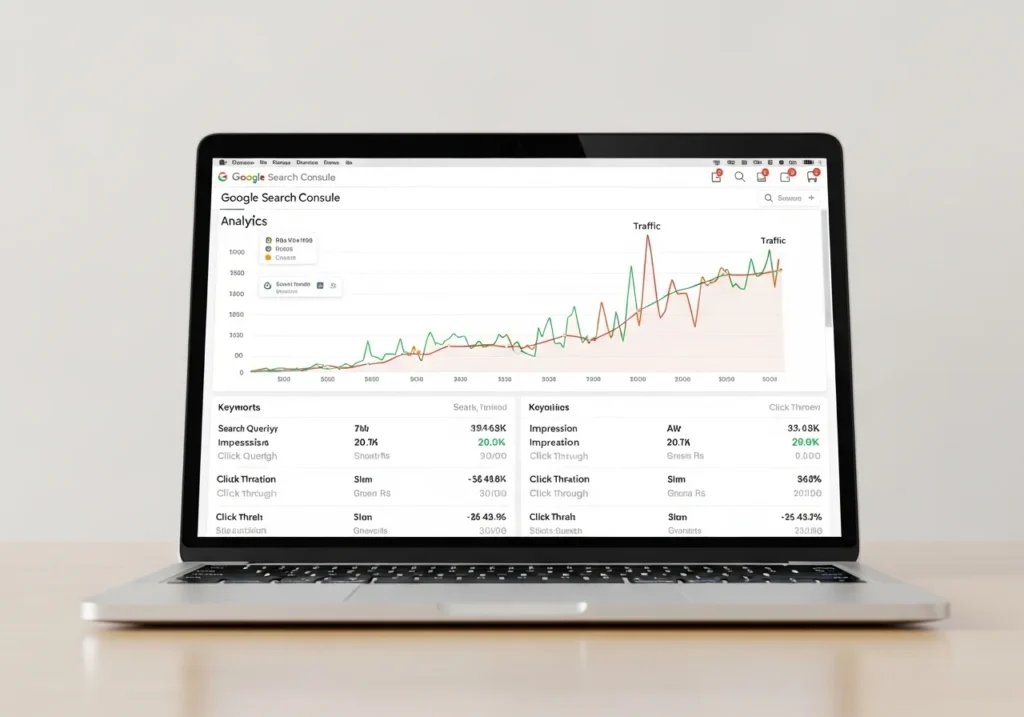
Use Google Search Console and Ahrefs (or Ubersuggest’s free tier) to track what keywords bring traffic.
Design Your Portfolio With Intention
Now the fun part: the actual design.
Design Principles for a Standout Portfolio:
- Clear visual hierarchy guides the eye with size, contrast, and space
- Consistent Color Palette: 2–3 colors max; let your work shine
- Readable Typography: Don’t use 5 fonts; stick to 2
- White Space is Your Friend: Don’t cram everything in
- Fast Load Times: lazy load images, use WebP format
- Accessibility: use sufficient contrast ratios (WCAG AA minimum)
Your portfolio’s design is your portfolio. It’s proof of what you can do.
Add Contact, CTAs, and Social Proof
You’ve done the hard part. Now convert visitors into leads.
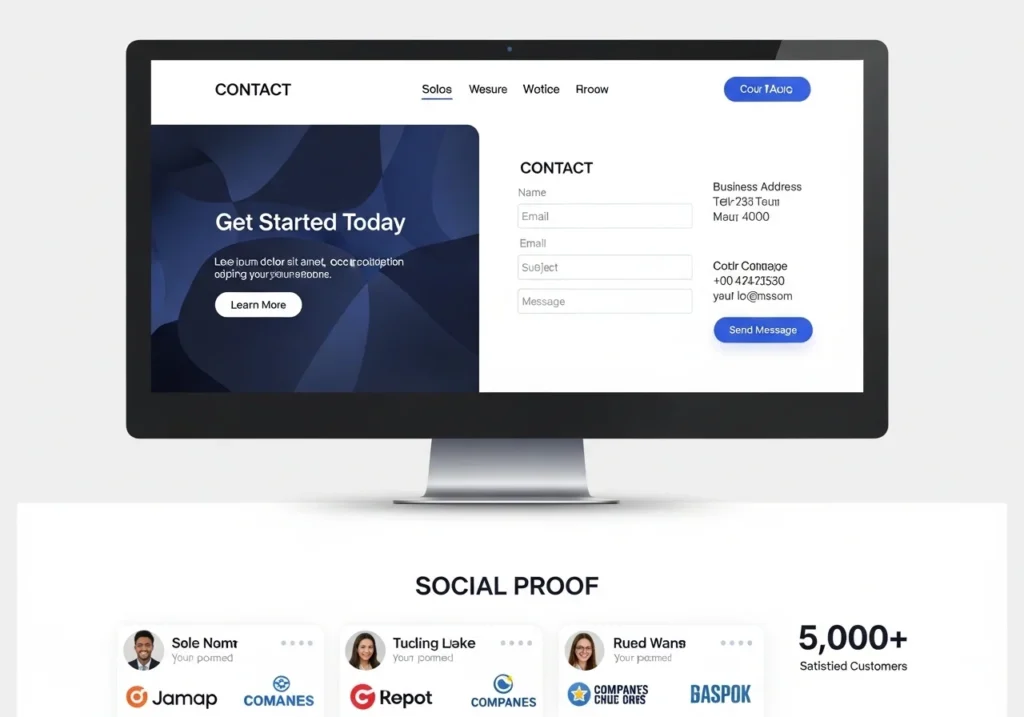
Must-Have Conversion Elements:
- Clear CTA on every page: “Let’s Work Together,” “Book a Free Call”
- Contact Form simple (name, email, project type, budget)
- Testimonials: 2–3 client quotes with names/companies
- LinkedIn + Behance/Dribbble links show community credibility
- Email address visible: Some clients just want to email directly
Conclusion
Building a portfolio website for web designers doesn’t have to be overwhelming.
Start with your goals. Choose a platform you’re comfortable with. Tell the story behind your work, not just the screenshots. Optimize it for search engines. And make it dead easy for people to contact you.
Your portfolio is never truly “done”; it grows with you. Update it every quarter, add new case studies, and keep the design fresh.
You have the skills. Now give the world a place to discover them.
Ready to start building? Pick your platform today and launch your first version in 2 weeks. Don’t wait for “perfect”; done beats perfect every time.
Frequently Asked Questions (FAQs)
1. How many projects should I include in my web designer portfolio website?
Aim for 3 to 6 high-quality case studies. Quality always beats quantity. Each project should tell a story the problem, your process, and the results. A focused portfolio shows confidence; a bloated one creates confusion.
2. Do I need to code my own portfolio website as a web designer?
Not necessarily. Platforms like Webflow and Framer let you build stunning, professional sites without writing code. However, if you can build it with custom code, it’s a powerful way to demonstrate your technical skills to potential clients.
3. How do I make my web designer portfolio website rank on Google?
Focus on:
- Targeting keywords like “freelance web designer + [city]”
- Writing blog posts on design topics
- Optimizing image alt texts and meta descriptions
- Getting backlinks from design communities (Dribbble, Behance, forums)
SEO is a slow game, but it pays off long-term.
4. Should I include pricing on my portfolio website?
This is debatable. Many designers prefer not to list exact prices; instead, they share starting rates or package ranges. This filters out low-budget clients while attracting serious leads. Do what aligns with your business model.
5. How often should I update my portfolio website?
Update your portfolio every 3–6 months. Replace weaker projects with stronger ones, refresh your bio, and keep your skills section current. An outdated portfolio signals to clients that you may not be active or available.