You have exactly 3 seconds to impress a visitor before they click away
from your website forever.
That’s not an exaggeration; it’s the reality of the modern web. And
What determines whether they stay or leave? User experience in web design. UX is the invisible force behind every successful website.
It’s not just about looking pretty. It’s about how a visitor feels
when they use your site how easy it is to navigate, how fast it
loads, and whether it gives them exactly what they came for.
In this guide, we’ll break down why UX matters more than ever in 2026.
How user experience affects web design decisions, and exactly what
You can do to make your site one people love to use.
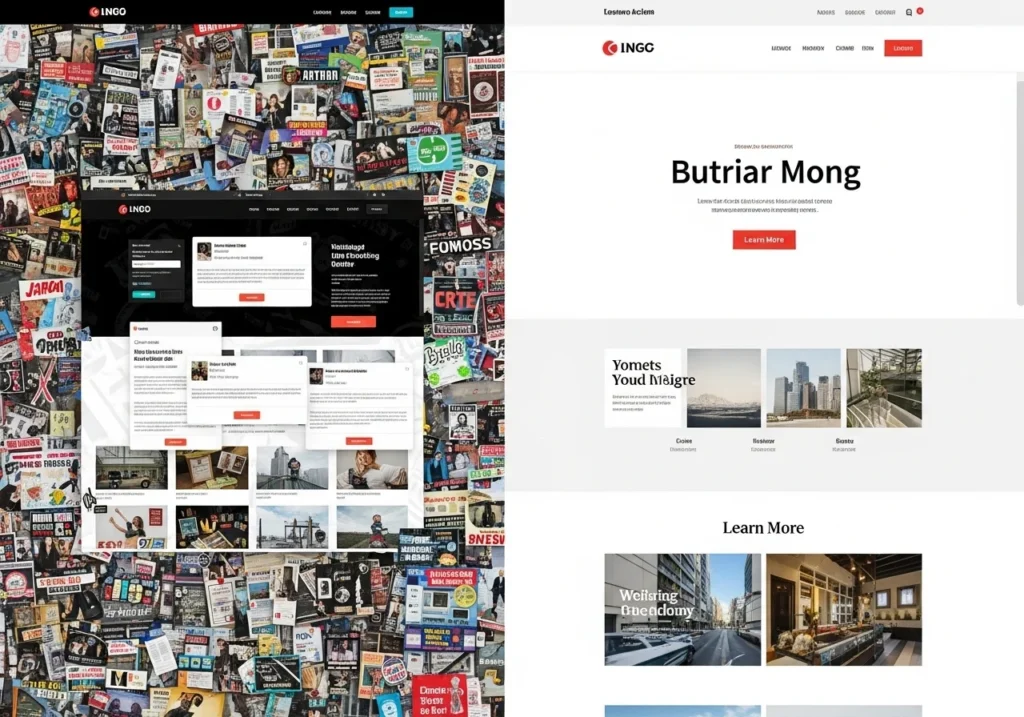
What Is User Experience in Web Design?
User Experience (UX) refers to everything a person feels and
thinks while interacting with your website. It covers the full
journey from the moment they land on your page to the moment
They leave.
Good UX means your visitor:
- Finds what they’re looking for quickly
- Understands your content without confusion
- Trusts your website enough to take action
- Leaves feeling satisfied not frustrated
Bad UX means the opposite. Confusing navigation, slow load times,
walls of text, and broken buttons all destroy the experience and
send visitors running to a competitor.
UX vs. UI: What’s the Difference?
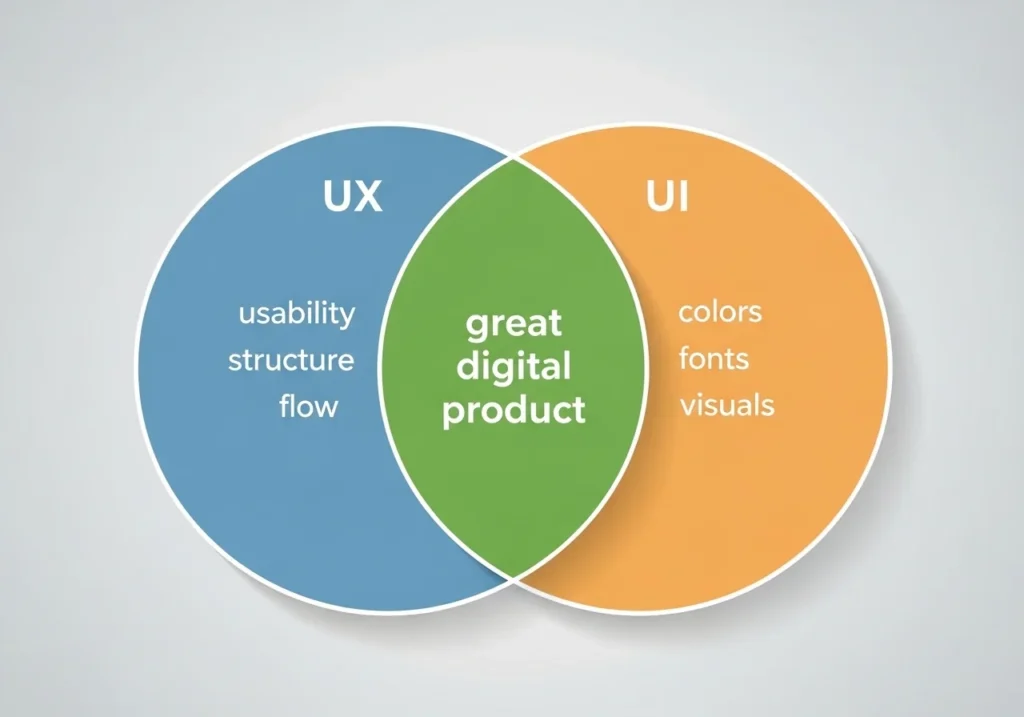
People often confuse UX and UI. Here’s the simple breakdown:
|| UX (User Experience) | UI (User Interface) |
|-|————————–|————————|
| Focus | How it works and feels | How it looks |
| Covers | Flow, structure, usability | Colors, fonts, buttons |
| Goal | Solve user problems | Visual appeal |
| Analogy | The floor plan of a house | The interior decoration |
Both matter enormously. But UX is the foundation. A beautiful
website that’s confusing to use will always underperform a
simple website that works flawlessly.
Why User Experience in Web Design Matters More Than Ever
In 2026, user experience in web design isn’t a trend
It’s a survival requirement. Here’s why the stakes have
never been higher.
Google Uses UX as a Ranking Factor
Google’s Core Web Vitals update made it official: page experience
signals directly impact your search rankings.
Google measures:
- LCP (Largest Contentful Paint): how fast main content loads
- FID / INP (Interaction to Next Paint): how quickly your
site responds to user input - CLS (Cumulative Layout Shift): whether elements jump
around while the page loads
Poor scores on these metrics = lower rankings. Great scores =
a competitive SEO advantage. UX and SEO are now inseparable.
First Impressions Form in Milliseconds
Research shows users form a visual opinion of your website in
Just 50 milliseconds—that’s 0.05 seconds. Before they
Read a single word, and they’ve already judged your site.
A clean, professional, well-structured design builds instant
trust. A dated, cluttered design triggers instant doubt.
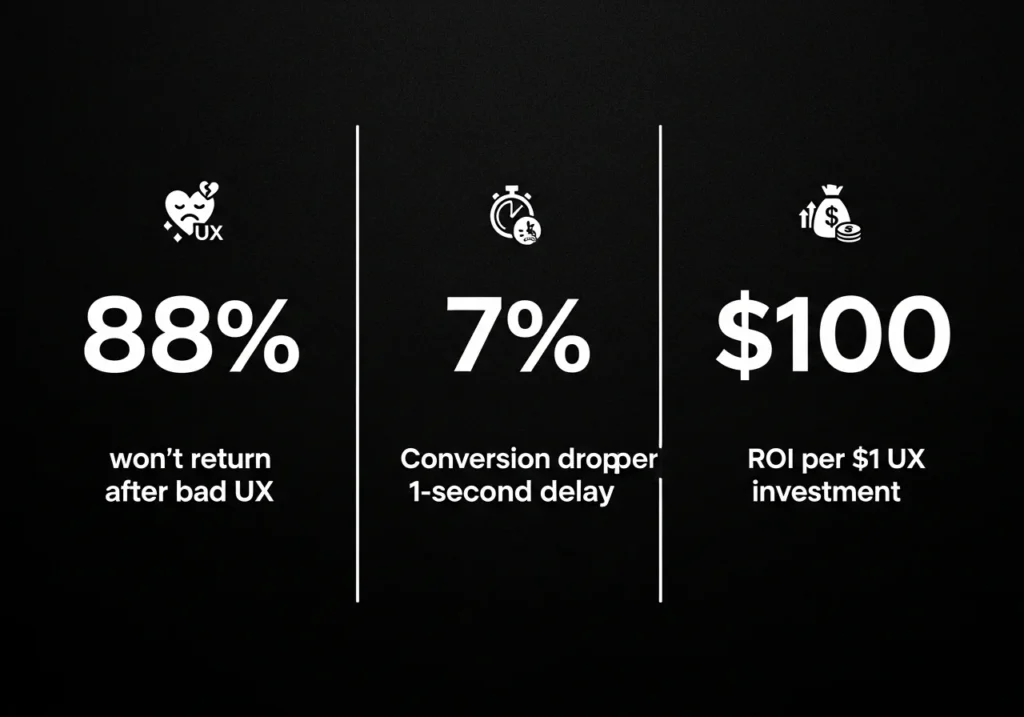
Bad UX kills conversions.
The world’s best copy and the most aggressive ad spend won’t
Save a website with poor UX. Studies consistently show:
- 88% of online consumers won’t return after a bad
user experience - A 1-second delay in page load time can reduce
conversions by 7% - Every $1 invested in UX yields a return of $100
that’s an ROI of 9,900%
Mobile Experience Is Non-Negotiable
Over 60% of web traffic is now mobile. If your site is
clunky on a phone tiny text, misaligned buttons, broken
layout you’re actively pushing away the majority of your
potential audience.
Google’s mobile first indexing means your mobile UX is your
primary UX. Period.
Users Have Higher Expectations Than Ever
People use Airbnb, Spotify, and Apple products daily. These
are world-class UX experiences. Whether you’re a small business
or a startup, your users now subconsciously compare your site
to these giants.
Meeting those expectations is hard. Ignoring them is fatal.
How User Experience Affects Web Design Decisions
Understanding how user experience affects web design changes
the way you approach every single design choice.
UX thinking transforms questions like
- “What color should this button be?”
“What color will make this button impossible to miss?” - “How many menu items should we have?”
“What’s the minimum number of choices that helps users navigate?” - “Should we use a slider on the homepage?”
“Does a slider actually help users find what they need faster?”
Every design decision becomes a UX decision. Here are the
core areas where UX shapes web design most directly.
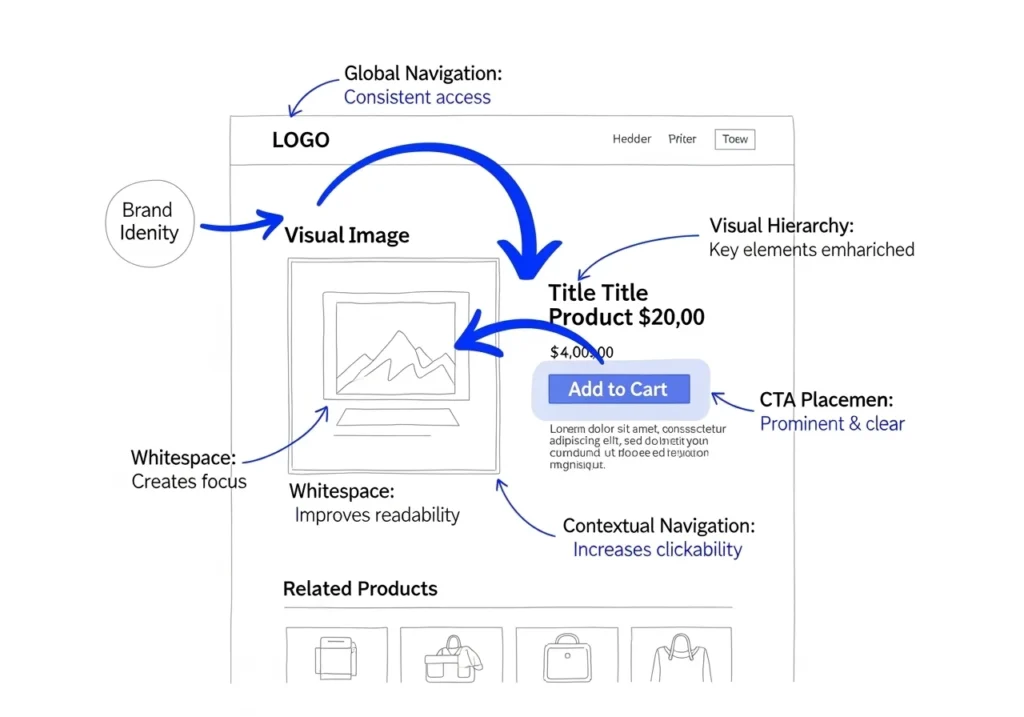
Navigation and Information Architecture
Your navigation is the map of your website. If users can’t
Figure out where to go; they leave.
UX-driven navigation principles:
- Keep your main menu to 5 to 7 items maximum
- Use clear, descriptive labels not clever ones
(“Services” beats “What We Do.”) - Make your logo link back to the homepage always
- Include a search bar for content-heavy websites
- Use breadcrumbs on deep pages so users always know
where they are
Visual Hierarchy
Good UX design guides the eye. It tells visitors what to look
at first, second, and third without them even realizing it.
How to create strong visual hierarchy:
- Make headings significantly larger than body text
- on each page
- Place your primary CTA (call to action) where the
eye naturally lands - Use whitespace generously; breathing room reduces
cognitive load - Follow the F-pattern or Z-pattern; these are
how eyes naturally scan web pages
Page Speed and Performance
Speed is UX. A slow website isn’t just annoying; it’s a
broken experience.
Target benchmarks for 2026:
- Page load time: under 2.5 seconds
- LCP score: under 2.5 seconds
- CLS score: under 0.1
- Mobile PageSpeed score: 80 or above
Use Google PageSpeed Insights to test your current scores
and get specific fixes.
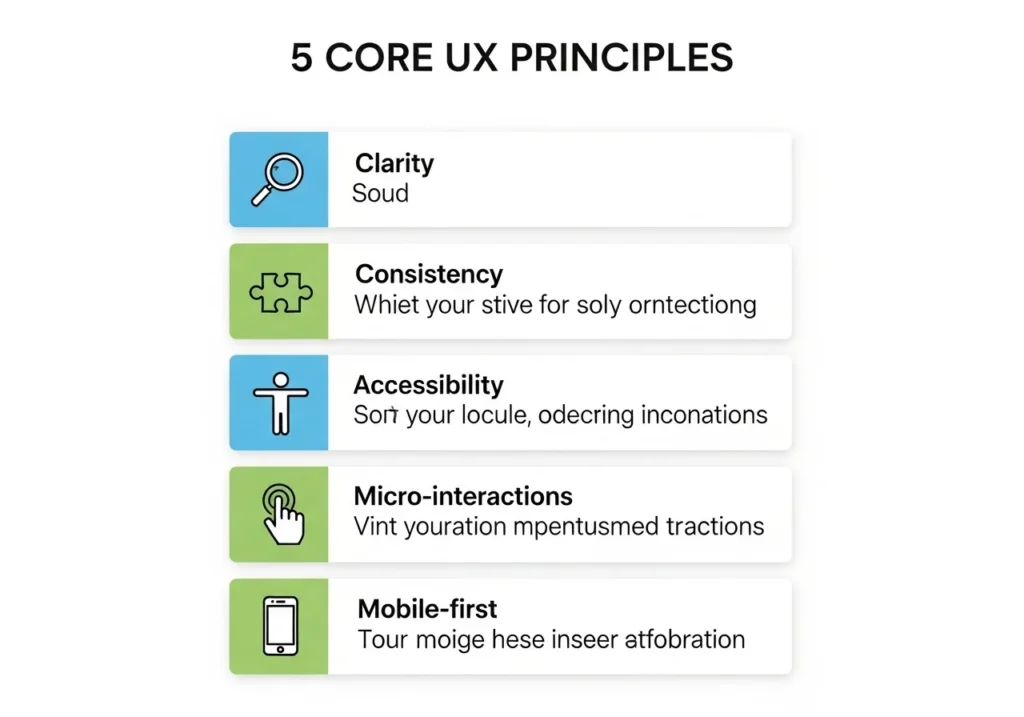
Core UX Principles Every Web Designer Must Follow
These aren’t optional guidelines. They’re the fundamentals
that separate websites that work from websites that don’t.
Clarity Over Cleverness
Your website is not the place to be mysterious. Every element
should communicate its purpose instantly.
- Buttons should say exactly what they do:
“Download Free Guide” beats “Submit.” - Headlines should tell visitors what the page is about
in under 5 seconds - Icons need labels; don’t assume users will guess
Consistency Builds Trust
When your fonts, colors, spacing, and interaction patterns
are consistent across every page, users build a mental model
of how your site works. They feel in control. They trust you.
Inconsistency does the opposite; it creates confusion and
signals a lack of professionalism.
Accessibility Is UX for Everyone
An accessible website works for users with visual, motor,
or cognitive impairments. But here’s the thing: accessible
Design is a better design for everyone.
Quick accessibility wins:
- Use a color contrast ratio of at least 4.5:1 for text
- Add alt text to every image
- Make all interactive elements keyboard-navigable
- Use a minimum font size of px for body text
- Don’t rely on color alone to convey meaning
Feedback and Micro-Interactions
Users need to know when something is happening. When they
click a button, submit a form, or hover over a link
The site should respond.
Micro-interactions, small animations and feedback signals
reduce uncertainty and make the experience feel alive and
responsive. Think loading spinners, button hover states,
success messages, and form validation cues.
Mobile-First Always
Design for the smallest screen first. Then scale up.
This forces you to prioritize only what truly matters.
no clutter, no unnecessary elements. The result is a
cleaner experience on every device.
Real-World Examples of Great UX in Web Design
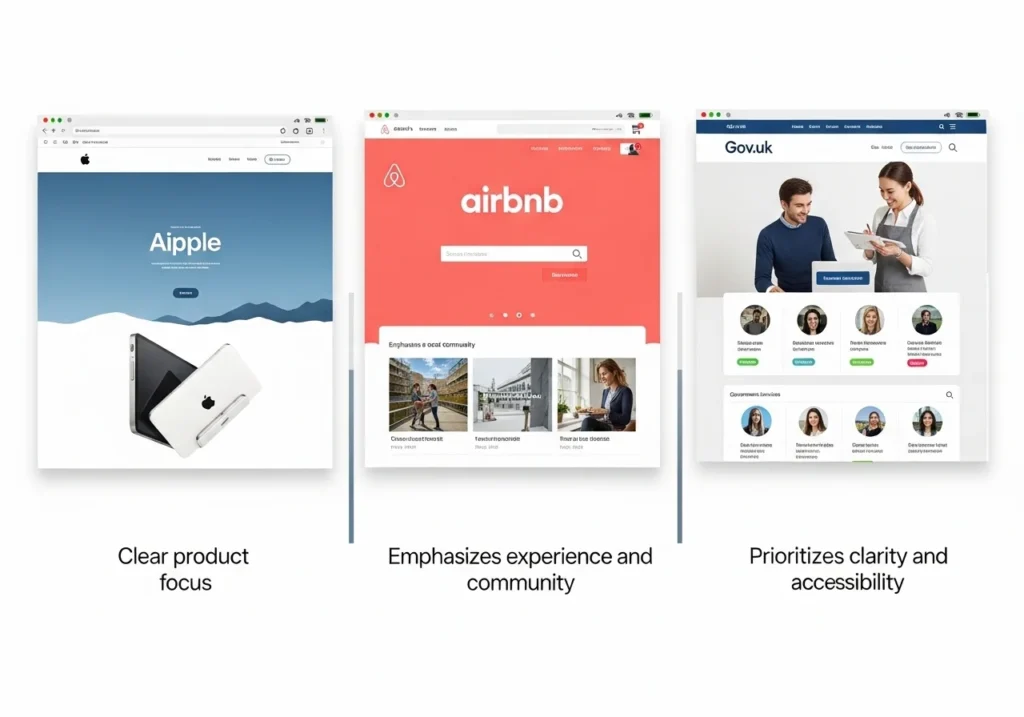
Sometimes the best way to understand UX is to see it in action.
Apple.com
Apple’s website is a masterclass in UX and visual hierarchy.
Every page has one clear message, one dominant visual, and
one primary action. There’s no clutter. No confusion.
Every pixel serves a purpose.
UX lesson: Less is more. Remove everything that doesn’t
help the user take the next step.
Airbnb
Airbnb built its entire business on UX. Their search flow
is seamless: location, dates, guests three inputs and
You’re browsing results. Photos are large and immersive.
Trust signals (reviews, host ratings) are prominent.
UX lesson: Reduce friction in your core user journey.
Every extra step loses you users.
Gov.uk
The UK government’s website is a surprising UX benchmark.
It uses plain language, logical structure, and zero
unnecessary design. It prioritizes function completely.
UX lesson: Clarity and function always win over
decoration and flash.
How to Improve User Experience on Your Website Right Now
You don’t need to redesign your entire site to improve UX.
Start with these high-impact changes today.
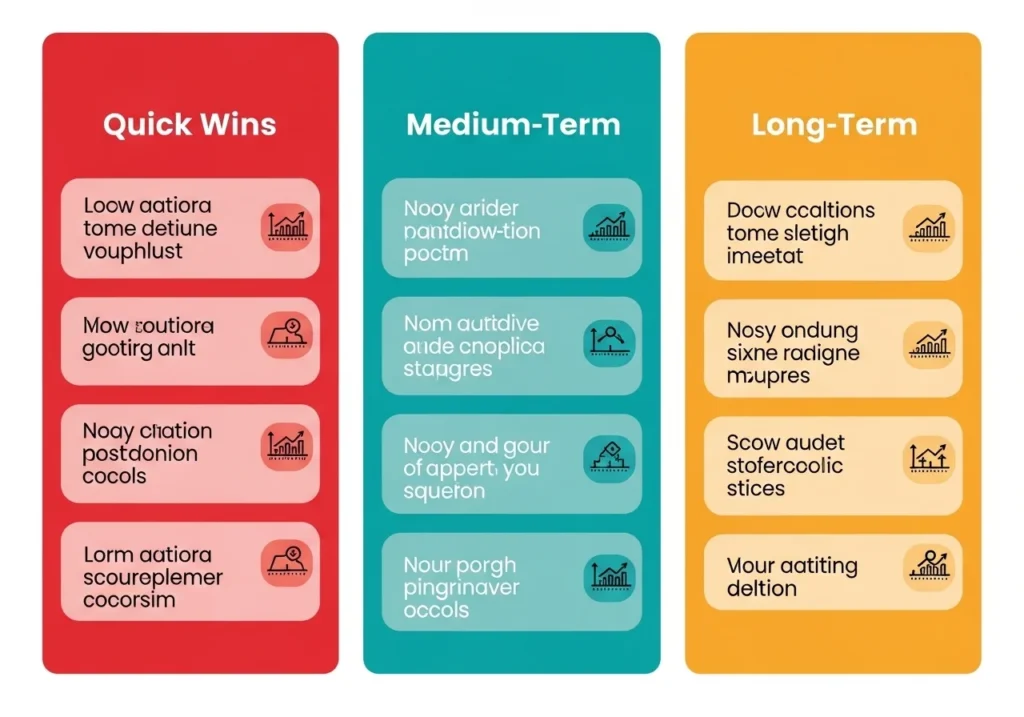
Quick Wins (Do This Week)
- Run a Google PageSpeed Insights test and fix
the top 3 issues - Check your site on a real mobile device; is everything
readable and tappable? - Simplify your navigation: remove any items that rarely
get clicked - Add clear CTA buttons on every key page
- Increase font size to a minimum of 16px if it’s smaller
- Add alt text to all images
Medium-Term Improvements (This Month)
- Conduct a user flow audit, tracing the path from
homepage to conversion and remove friction - Install Microsoft Clarity or Hotjar, a free heatmap
tools that show where users click, scroll, and drop off - A/B test your CTA button copy and placement
- Improve your 404 page: add a search bar and helpful links
- Audit your forms; remove every field that isn’t strictly
necessary
Long-Term Strategy (This Quarter)
- Conduct user interviews or surveys; ask real visitors
what confused or frustrated them - Build or refine user personas know exactly who you’re
designing for - Implement WCAG 2.1 accessibility standards sitewide
- Review and update your information architecture based
on analytics data
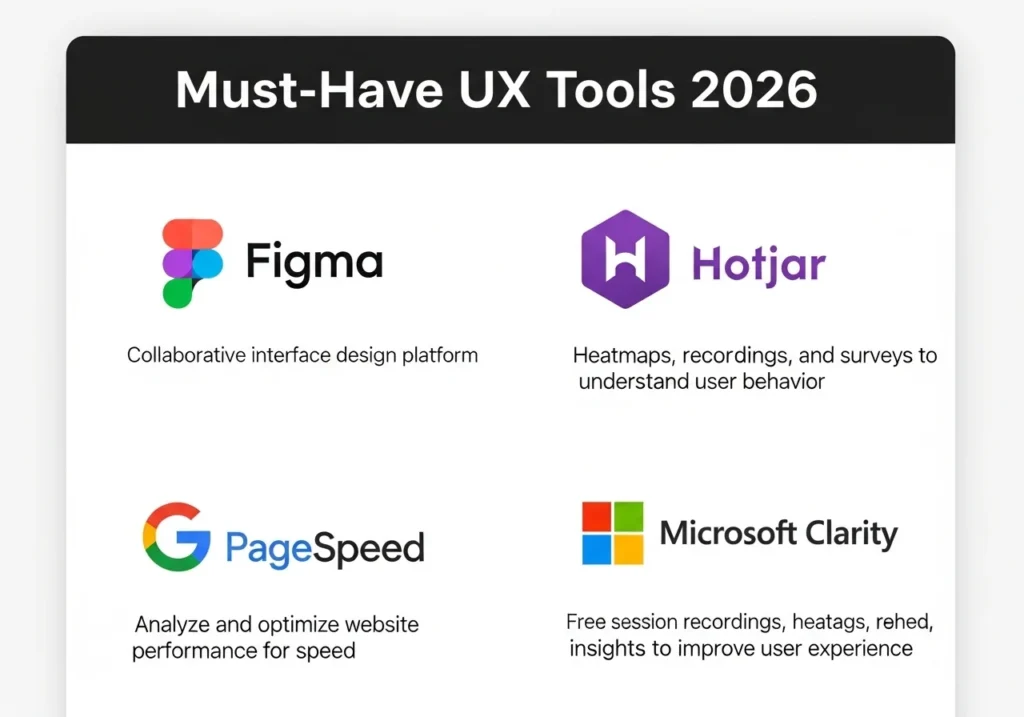
UX Tools Every Web Designer Should Use in 2026
These tools make UX research, testing, and design dramatic.
Easier, many are free.
| Tool | Category | Cost |
|---|---|---|
| Figma | UX/UI Design & Prototyping | Free / Paid |
| Hotjar | Heatmaps & Session Recordings | Free tier |
| Microsoft Clarity | Heatmaps & Analytics | Free |
| Google PageSpeed Insights | Performance Testing | Free |
| Maze | User Testing | Free tier |
| UserTesting.com | Real User Feedback | Paid |
| Contrast Checker (WebAIM) | Accessibility Testing | Free |
| Responsive App | Multi-device Preview | Free |
Conclusion
User experience in web design is not a luxury feature.
It’s the foundation of every website that actually performs.
Here’s everything you covered in this guide:
- What UX is and how it differs from UI
- Why UX directly affects SEO, conversions, and retention
- How user experience affects web design decisions at
every level - The 5 core UX principles every designer must follow
- Real-world examples of outstanding UX in action
- Actionable steps to improve your site’s UX starting today
- The best free tools to measure and enhance UX in 2026
Your website is often the first and sometimes only chance
to make an impression. Make it a good one.
Start with one improvement today. Test your site on mobile. Run a PageSpeed check. Ask a friend to navigate your site and watch where they get confused. Small changes in UX lead to big changes in results.
Frequently Asked Questions (FAQs)
What is user experience in web design?
User experience (UX) in web design refers to how a visitor feels
when interacting with your website including how easy it is to
navigate, how fast it loads, how readable the content is, and
whether it helps them accomplish their goal. Good UX creates
satisfaction; bad UX creates frustration and high bounce rates.
How does user experience affect web design?
User experience shapes every web design decision from navigation
structure and typography choices to button placement and page speed.
When designers prioritize UX, they build sites that guide users
intuitively toward their goals, which directly improves engagement,
time on site, and conversion rates.
Does UX affect SEO rankings?
Yes, significantly. Google’s Core Web Vitals (LCP, INP, and CLS)
are direct UX metrics that influence search rankings. Sites with
fast load times, stable layouts, and responsive interactions rank
higher. Additionally, low bounce rates and high time-on-site signals, both driven by good UX, positively influence how Google
evaluates your content’s quality.
What are the most important UX elements for a website?
The most impactful UX elements are page load speed, mobile responsiveness, clear navigation, readable typography,
strong visual hierarchy and prominent calls-to-action.
Getting these right will improve the experience for the vast
majority of your visitors.
How can I test the user experience of my website?
You can test your site’s UX using tools like Microsoft Clarity
or Hotjar (for heatmaps and session recordings), Google PageSpeed Insights (for performance), Maze (for user testing),
and simply by watching real users navigate your site and noting
where they hesitate or get confused.