Java is one of the most powerful programming languages in the world and
Object-oriented programming is the secret behind its power.
If you’ve ever wondered what is OOP in Java and why every Java developer
If you talk about it, you’re in the right place. In this guide, we’ll break down
Object-Oriented Programming in Java in plain English with Real Examples.
clear explanations, and zero confusion.
Whether you’re a complete beginner or brushing up your skills, this guide will
Make OOP click for you.
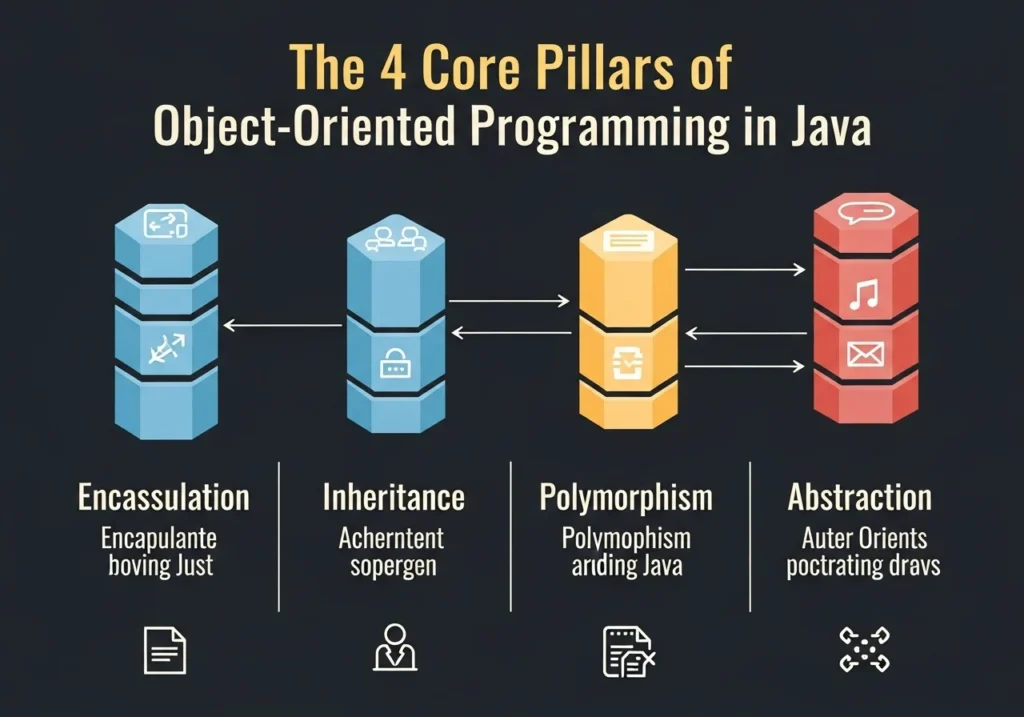
What is Object-Oriented Programming in Java?
Object-Oriented Programming (OOP) is a programming style that organizes
code around objects rather than functions or logic.
Think of it this way: the real world is full of objects, a car, a phone, a
bank account. OOP lets you model those real-world things directly in your code.
In Java, everything is built around classes and objects. Java was designed
from the ground up as an OOP language, which makes it one of the best places
to learn and apply these concepts.
Key Terms You Need to Know
- Class A blueprint or template for creating objects
- An object is A real instance created from a class
- Method A function that belongs to a class
- Attribute A variable that belongs to a class (also called a “field”)
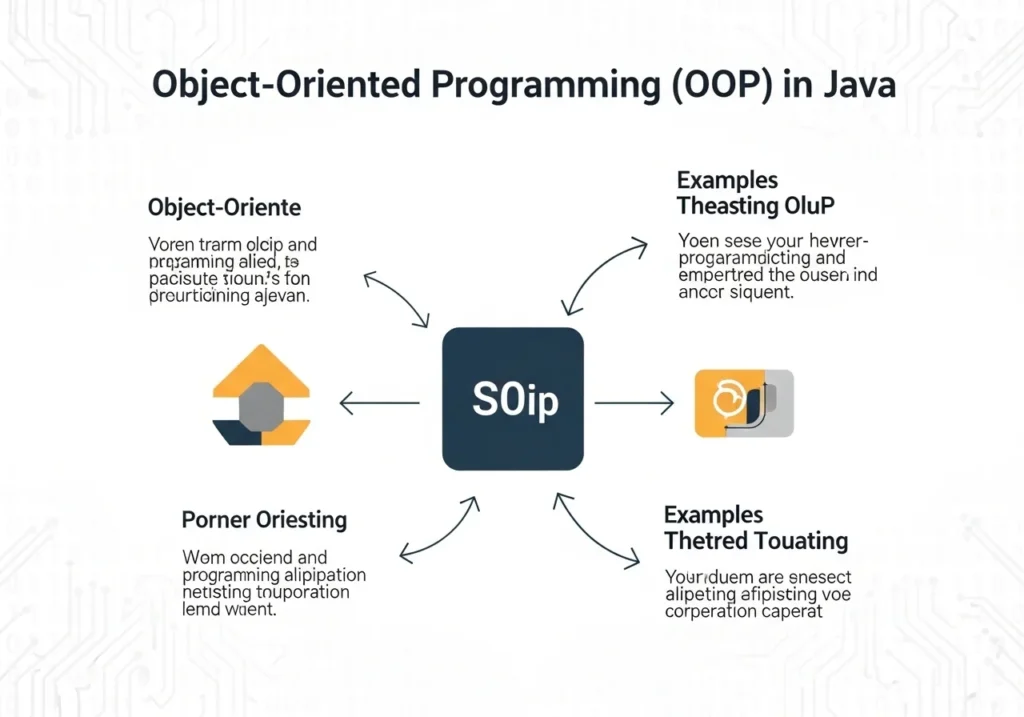
The 4 Core Pillars of Object-Oriented Programming in Java
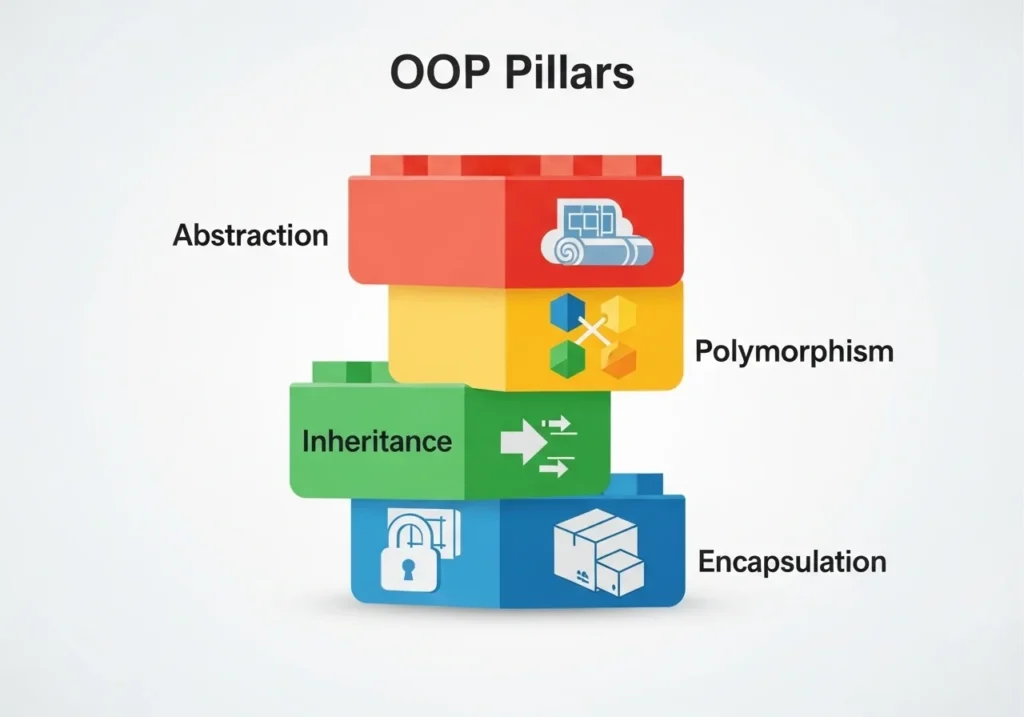
This is the heart of OOP. Master these four concepts and Java development
becomes much more intuitive.
Encapsulation Keep Your Data Safe
Encapsulation hiding the internal details of an object and only
exposing what’s necessary.
Imagine a TV remote. You press a button and the channel changes; you don’t
need to know the electronics inside. That’s encapsulation.
In Java, you achieve this using:
privatevariablespublicgetter and setter methods
public class BankAccount {
    private double balance;  // hidden from outside

    public double getBalance() {
        return balance;       // controlled access
    }

    public void deposit(double amount) {
        if (amount > 0) balance += amount;
    }
}
Why it matters: It prevents accidental data corruption and makes your
code more secure and maintainable.
Inheritance: Reuse Code Like a Pro
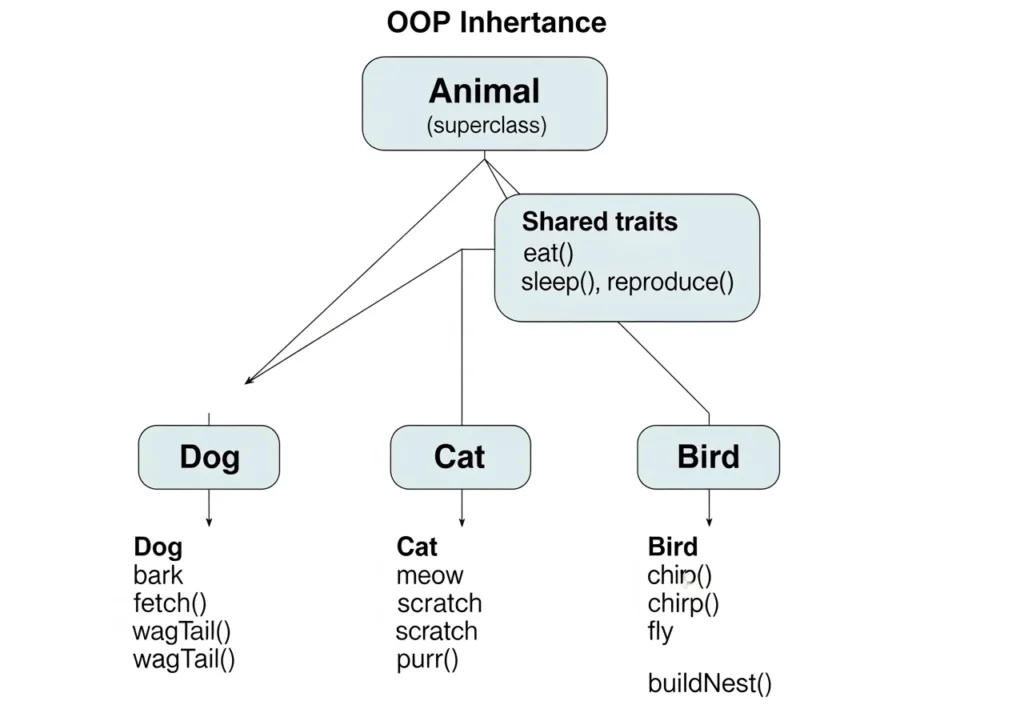
Inheritance lets one inherit properties and methods from another
class. It’s how you avoid writing the same code twice.
Think of it like a family tree. A child inherits traits from a parent.
but can also have their own unique traits.
// Parent class
public class Animal {
    public void breathe() {
        System.out.println("Breathing...");
    }
}

// Child class
public class Dog extends Animal {
    public void bark() {
        System.out.println("Woof!");
    }
}

// Dog can now breathe AND bark
Key keyword: extends used to inherit from a parent class in Java.
Why it matters: Less duplicate code, easier updates, cleaner structure.
Polymorphism: One Interface, Many Forms
Polymorphism means one thing can behave in many ways. The word itself
comes from Greek: “poly” (many) and “morphs” (forms).
In Java, polymorphism lets you call the same method on different objects
and get different results.
public class Shape {
    public void draw() {
        System.out.println("Drawing a shape...");
    }
}

public class Circle extends Shape {
    @Override
    public void draw() {
        System.out.println("Drawing a Circle");
    }
}

public class Square extends Shape {
    @Override
    public void draw() {
        System.out.println("Drawing a Square");
    }
}
Call draw() on a circle → gets a circle.
Call draw() on a Square → gets a square.
Same method name. Different behavior. That’s polymorphism.
Two types in Java:
- Compile-time (Method Overloading)
- Runtime (Method Overriding)
Abstraction Show Only What Matters
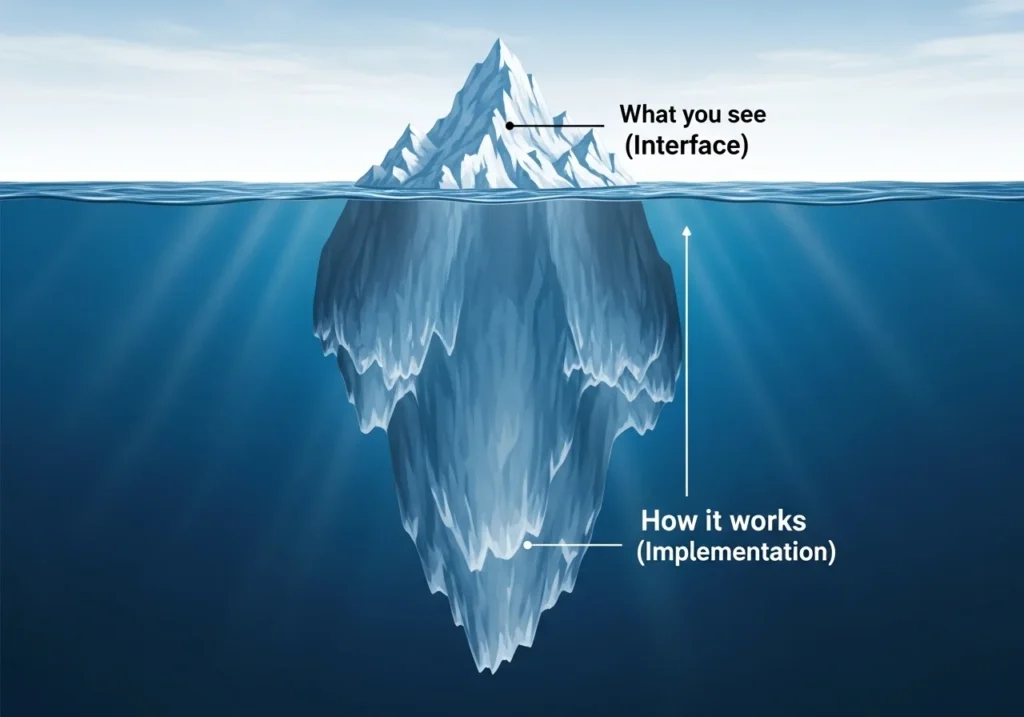
Abstraction means hiding complexity and showing only the essential
features of an object.
When you drive a car, you use the steering wheel and pedals; you don’t
interact with the engine directly. That’s abstraction in real life.
In Java, you achieve abstraction using:
abstractclassesinterfacekeyword
abstract class Vehicle {
    abstract void startEngine();  // no implementation here

    public void stopEngine() {
        System.out.println("Engine stopped.");
    }
}

class Car extends Vehicle {
    @Override
    public void startEngine() {
        System.out.println("Car engine started!");
    }
}
Why it matters: It reduces complexity and lets you focus on what
an object does, not how it does it.
Why Learn Object-Oriented Programming in Java?
Java OOP isn’t just theory; it’s used everywhere in the real world.
Real-World Applications of Java OOP
| Application | How OOP is Used |
|---|---|
| Android Apps | Activities and fragments are classes/objects |
| Banking Systems | Accounts, transactions modeled as objects |
| E-commerce Sites | Products, users, carts all use OOP design |
| Game Development | Characters, weapons, levels are all objects |
| Enterprise Software | Spring Framework is entirely OOP-based |
Top Reasons to Learn Java OOP
- Makes code reusable and organized
- Easier to debug and maintain large projects
- Industry-standard for enterprise development
- Foundation for frameworks like Spring and Hibernate
- Helps you crack Java developer interviews
OOP in Java vs Other Languages
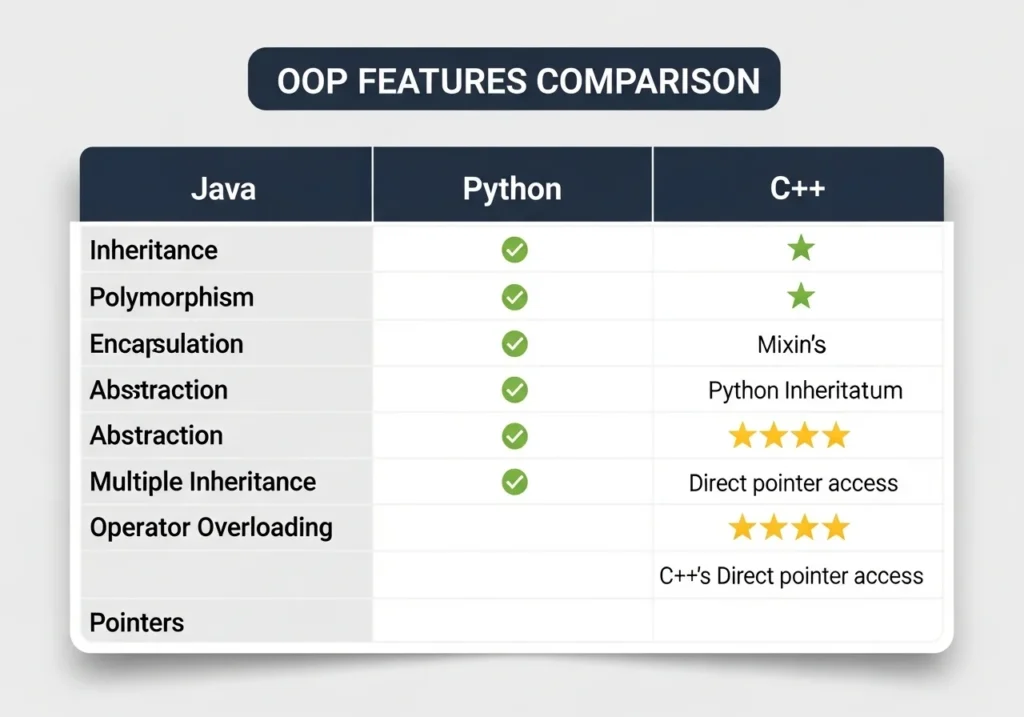
Wondering how Java OOP compares to Python or C++?
| Feature | Java | Python | C++ |
|---|---|---|---|
| OOP Style | Strictly OOP | Multi-paradigm | Multi-paradigm |
| Syntax Complexity | Medium | Easy | Hard |
| Performance | High | Medium | Very High |
| Best For | Enterprise, Android | AI/ML, Scripting | System software |
| OOP Enforcement | Strong | Flexible | Flexible |
Java enforces OOP more strictly than Python or C++. This is actually a
feature, not a bug; it trains you to think in an organized, structured way.
Quick Tips to Master OOP in Java Faster
Learning OOP takes practice. Here are some tips that actually work:
- Start with Classes and objects; don’t jump to advanced concepts first
- Code every day; even 30 minutes of practice beats hours of reading
- Build mini-projects a library system, bank account app, or student
manager are perfect OOP exercises - Revisit the 4 pillars weekly; understanding deepens with repetition
- Read open-source Java code: GitHub has thousands of OOP examples
- Use an IDE IntelliJ IDEA or Eclipse will help you visualize class
structure.
Conclusion
Object-Oriented Programming in Java is one of the most valuable skills
You can build as a developer.
Here’s what we covered:
- What OOP is and why Java uses it
- The 4 core pillars: Encapsulation, Inheritance, polymorphism, and Abstraction
- Real code examples for each concept
- Why OOP matters in the real world
- How Java OOP compares to other languages
OOP might feel abstract at first (pun intended), but once it clicks,
You’ll never want to write messy, unstructured code again.
Start with one concept today. Write a simple class. Create an object. The best Java developers all started exactly where you are right now.
Frequently Asked Questions (FAQs)
What is OOP in Java in simple terms?
OOP (Object-Oriented Programming) in Java is a way of writing code by
organizing it into objects which are real-world things like a car,
user or bank account. Each object has its own data (attributes) and
actions (methods).
What are the 4 pillars of object-oriented programming in Java?
The four pillars are Encapsulation (hiding data), Inheritance
(reusing code from parent classes), Polymorphism (one method,
many behaviors), and Abstraction (showing only what’s needed,
hiding complexity).
Is Java 100% object-oriented?
Almost but not technically 100%. Java uses primitive data types
like, and boolean which are not objects. However,
Java is considered one of the most strictly OOP languages available.
How long does it take to learn OOP in Java?
With consistent practice, most beginners grasp the core OOP concepts
within 4 to 8 weeks. Building small projects significantly speeds
up the learning process.
What’s the best way to practice OOP in Java?
The best approach is to build projects. Start with a simple student.
Management System or Library App. These force you to use all four OOP
pillars in a real, practical context.