Your website is live, but nobody’s finding it. That’s the most frustrating feeling in digital marketing.
Learning how to rank a website on Google isn’t magic. It’s a system. And once you understand that system, you can use it to get consistent, free traffic from Google every single day.
In this guide, we’ll walk you through a real, actionable SEO strategy that actually works in 2025. Whether you’re a beginner or already doing SEO, this step-by-step breakdown will help you climb those search rankings faster.
Rank Your Website on Google
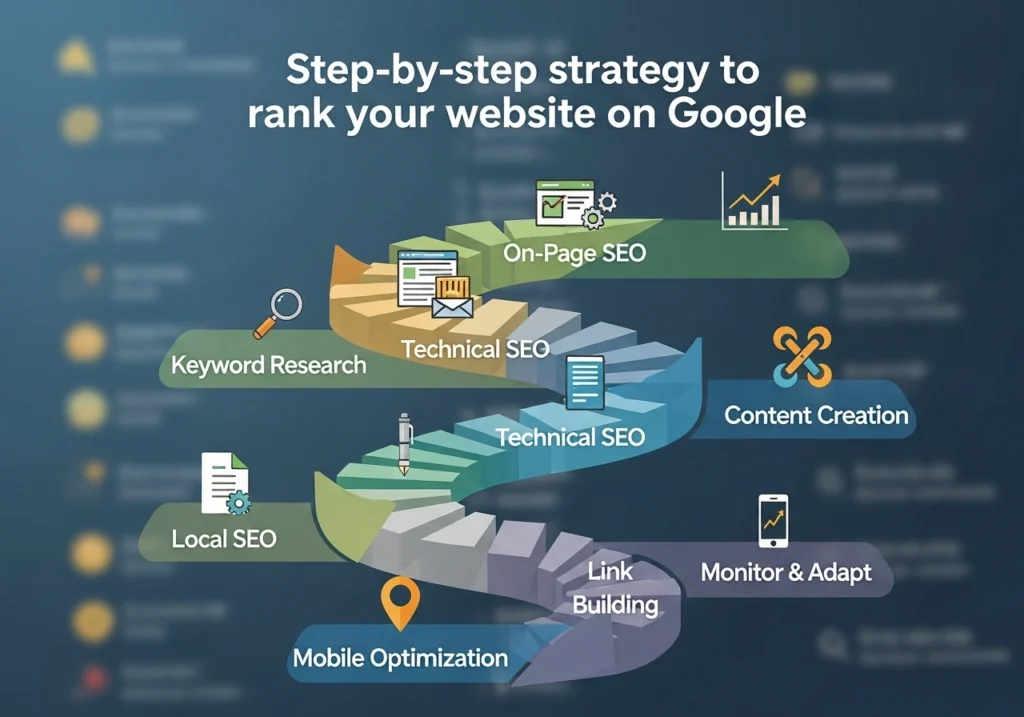
What Does It Mean to Rank on Google?
When someone types a query into Google, the search engine shows a list of results. Ranking means your website appears on that list, ideally on Page 1.
Google uses over 200 ranking factors. But don’t panic. The most important ones are learnable, doable, and mostly free.
The higher you rank, the more visitors you get. And more visitors, more leads, sales, or subscribers.
Do Keyword Research the Right Way
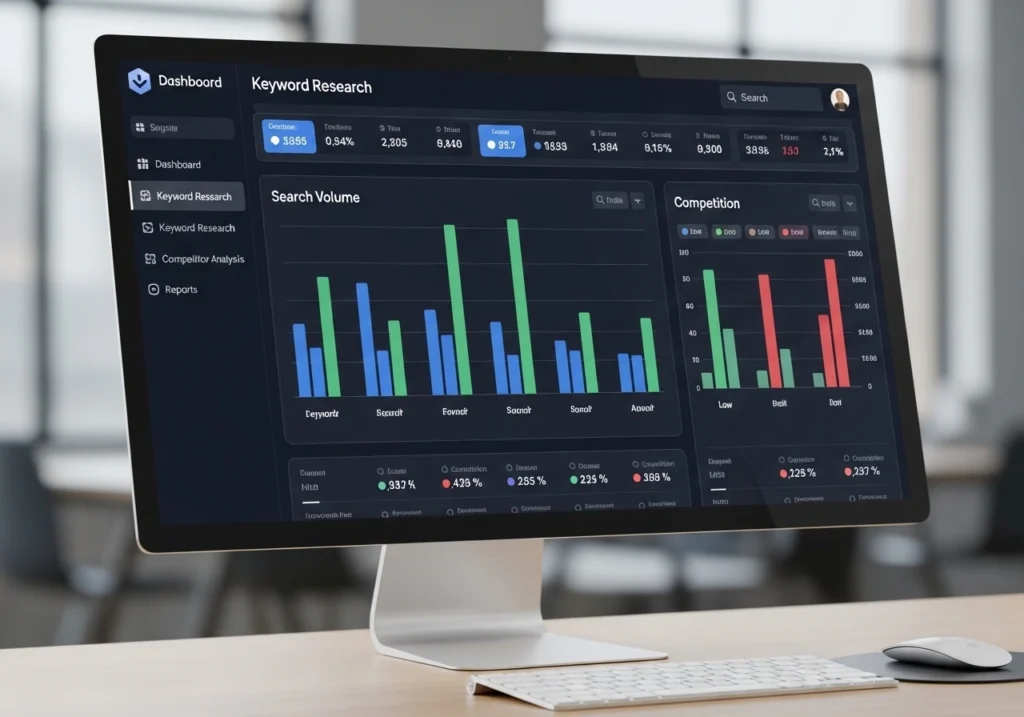
Everything in SEO starts with keywords. These are the words your audience types into Google.
How to Find the Right Keywords
- Use free tools like Google Keyword Planner, Ubersuggest, or Ahrefs Free
- Look for keywords with high search volume + low competition
- Focus on long-tail keywords (e.g., “how to rank a website on Google for free.”
- Check what your competitors are ranking for
Types of Keywords to Target
| Type | Example | Best For |
|---|---|---|
| Short-tail | SEO tips | Brand awareness |
| Long-tail | How to rank a website on Google fast | Conversions |
| Local | SEO services in Lahore | Local businesses |
Optimize Your On-Page SEO
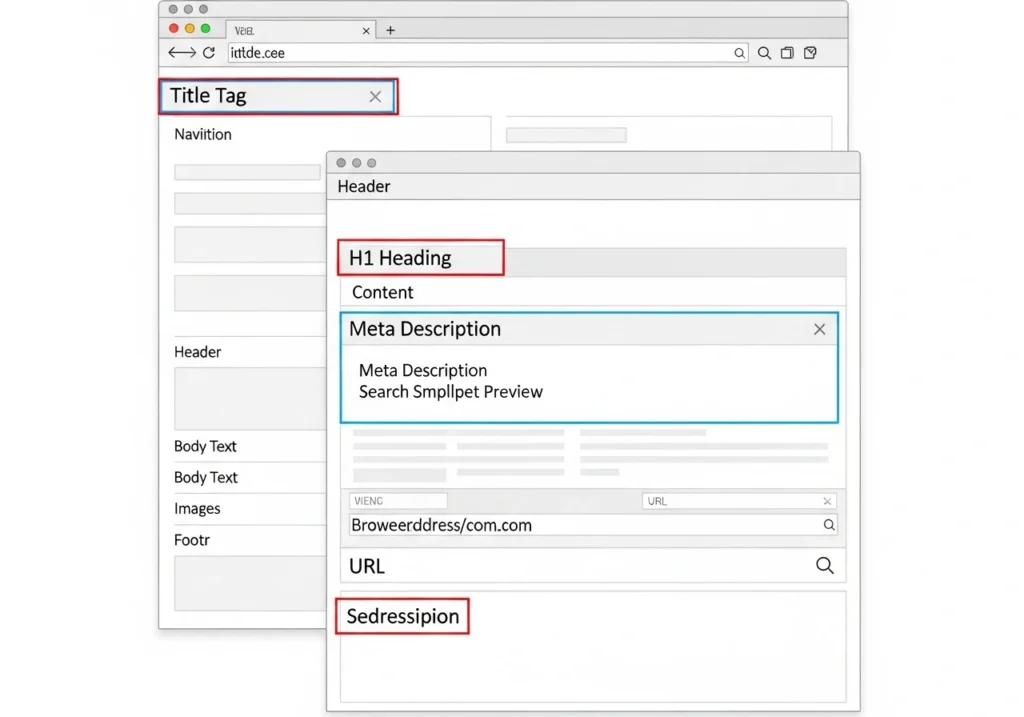
On-page SEO means optimizing each page of your website so Google understands what it’s about.
Key On-Page SEO Elements
- Title Tag Include your main keyword. Keep it under 60 characters.
- Meta Description Write a compelling 140 TO 160 character summary.
- H1 Tag: Only one per page. Must include your main keyword.
- URL Structure Short, clean, keyword-rich (e.g.,
/rank-website-google) - First 100 Words: Mention your main keyword naturally early on.
- Image Alt Text Describe every image using relevant keywords.
- Internal Links Link to related pages on your own site.
Create High-Quality, Helpful Content
Google’s #1 job is to give users the best answer. Your job is to be the best answer.
What Makes Content Rank in 2025?
- Covers the topic thoroughly (but not unnecessarily long)
- Written for humans first, search engines second
- Answers the user’s real question
- Includes examples, tips, and visuals
- Updated regularly to stay fresh
The Content Formula That Works
- Start with a hook
- Answer the main question early
- Break it down step-by-step
- Add visuals, lists, and examples
- End with a clear takeaway or CTA
Build Backlinks (The Right Way)
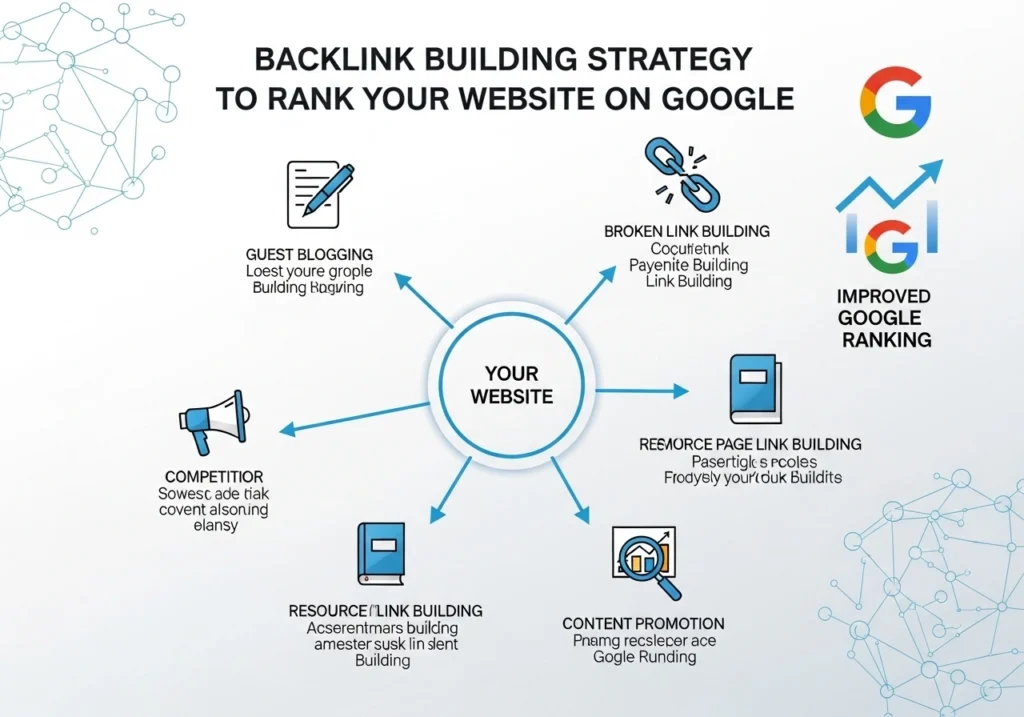
Backlinks are links from other websites pointing to yours. Google sees them as votes of trust.
How to Get Quality Backlinks
- Guest Posting Write articles for other blogs in your niche
- Resource Link Building Create something so useful people naturally link to it
- Broken Link Building Find broken links on other sites and offer your content as a replacement
- HARO (Help a Reporter Out) Answer journalist queries and get featured in media
- Social Sharing More shares can lead to more natural backlinks
What to Avoid
Never buy cheap backlinks or use link farms. Google penalizes this, and it can destroy your rankings overnight.
Improve Your Website’s Technical SEO
Even the best content won’t rank if your site has technical problems.
Technical SEO Checklist
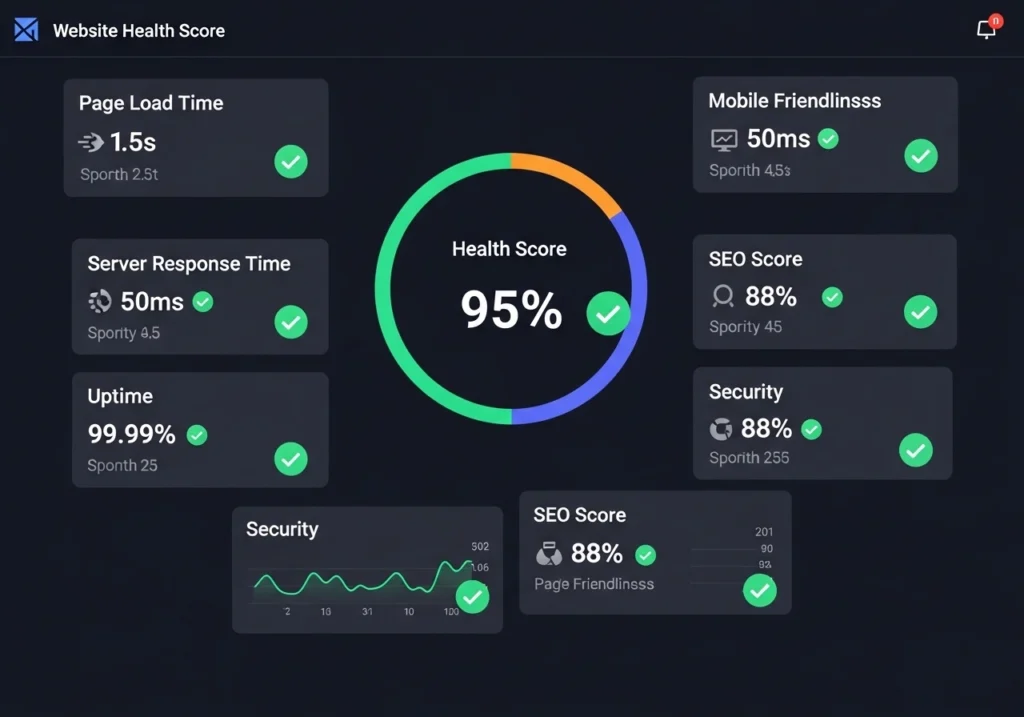
- Site Speed Use Google PageSpeed Insights to test and fix load time
- Mobile-Friendly: Over 60% of Google searches are on mobile
- HTTPS (SSL Certificate) Google prefers secure websites
- Sitemap.xml Submit it to Google Search Console
- Robots.txt Make sure important pages aren’t blocked
- Fix Broken Links Use tools like Screaming Frog or Ahrefs
- Core Web Vitals Improve LCP, FID, and CLS scores
Optimize for Local SEO (If You Have a Local Business)
If your business serves a specific location, local SEO is a goldmine.
Local SEO Basics
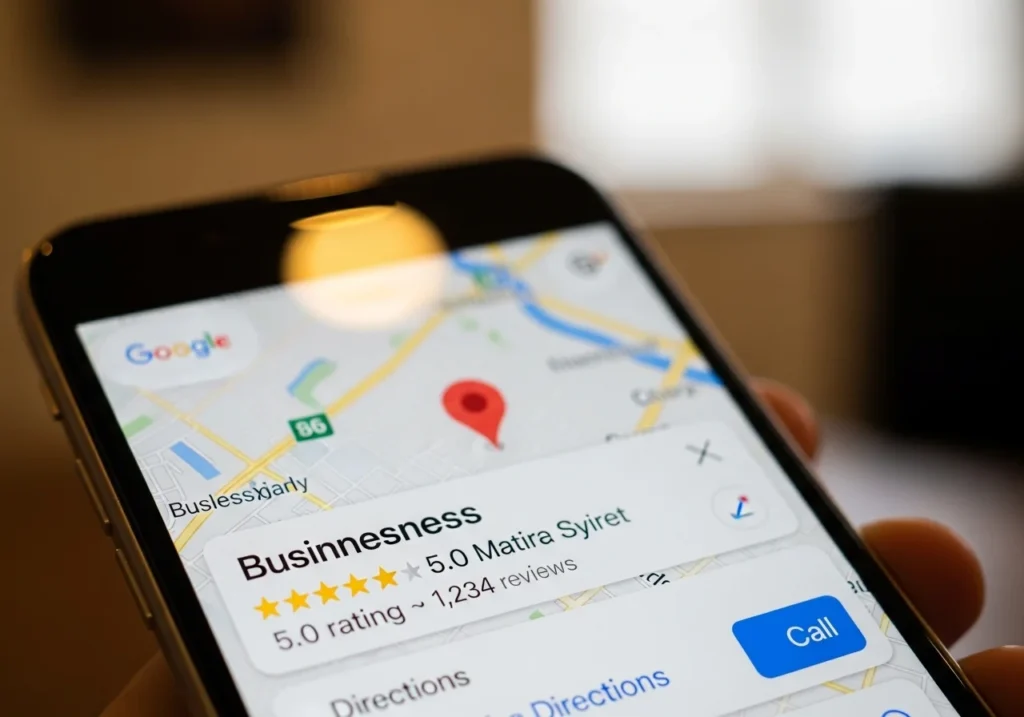
- Create and optimize your Google Business Profile
- Use location-based keywords (e.g., “SEO agency in Karachi”)
- Get listed in local directories (Yelp, Justdial, etc.)
- Encourage customers to leave Google Reviews
- Add your Name, Address, Phone (NAP) consistently everywhere
Track Your SEO Progress
You can’t improve what you don’t measure. Tracking your rankings helps you know what’s working.
Best Free SEO Tools to Track Progress
| Tool | What It Does |
|---|---|
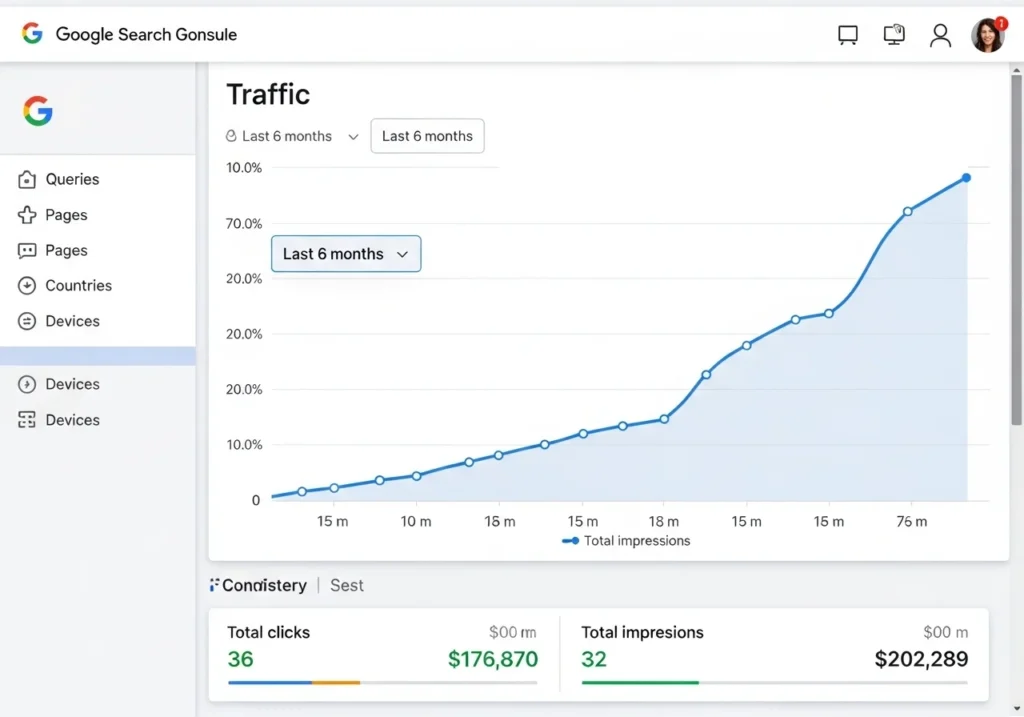
| Google Search Console | Shows impressions, clicks, ranking keywords |
| Google Analytics 4 | Tracks traffic, bounce rate, conversions |
| Ubersuggest | Keyword tracking + competitor analysis |
| Ahrefs Webmaster Tools | Backlinks + site health |
What to Monitor Monthly
- Organic traffic growth
- Keyword position changes
- Backlink count
- Page load speed
- Bounce rate
Conclusion
Ranking your website on Google doesn’t happen overnight, but it absolutely happens with consistency and the right strategy.
Here’s a quick recap of your SEO game plan:
- Research the right keywords
- Optimize every page with on-page SEO
- Create content that genuinely helps people
- Earn quality backlinks
- Fix technical SEO issues
- Track your progress monthly
Start with just one step today. Fix your title tags, write one optimized blog post, or submit your sitemap to Google Search Console. Small actions done consistently lead to massive results.
Ready to rank? Start your SEO journey today; your audience is already searching for you.
Frequently Asked Questions (FAQs)
How long does it take to rank a website on Google?
Most websites start seeing noticeable improvements in 3 to 6 months of consistent SEO effort. New websites may take longer due to the “Google sandbox” effect, where Google takes time to trust new domains.
Can I rank my website on Google for free?
Yes! Many of the most effective SEO strategies like on-page optimization, content creation, and using Google Search Console are completely free. You don’t need a big budget to get started.
How many keywords should I target on one page?
Focus on one primary keyword and 2 to 5 related secondary keywords per page. Trying to rank for too many keywords on a single page dilutes your SEO focus and confuses search engines.
What is the most important ranking factor on Google?
There’s no single answer, but the top three factors are generally content quality, backlinks, and technical performance (especially page speed and mobile-friendliness).
How do I know if my SEO is working?
Use Google Search Console to track your impressions and click-through rate. If your organic traffic is growing month over month and your keywords are moving up in position, your SEO is working.