Learn HTML for beginners step-by-step and start building your first website today. No coding experience needed, just a browser and curiosity!
Ever wondered how websites are actually built? Every page you’ve ever visited, Google, YouTube, and your favorite blog, started with the same thing: HTML.
If you’re new to HTML for beginners, you’re in the right place. This guide breaks down everything in plain English, with zero fluff. By the end, you’ll understand how HTML works, and you’ll have the confidence to start your very first web development project. Let’s go!
What Is HTML? (And Why Should You Care?)
HTML stands for HyperText Markup Language. It’s the foundation of every website on the internet.
Think of it like the skeleton of a webpage: HTML gives structure to everything you see: headings, paragraphs, images, links, and buttons.
- No HTML = No webpage. Simple as that.
- It’s NOT a programming language; it’s a markup language.
- You don’t need any special software to start. Just a text editor and a browser!
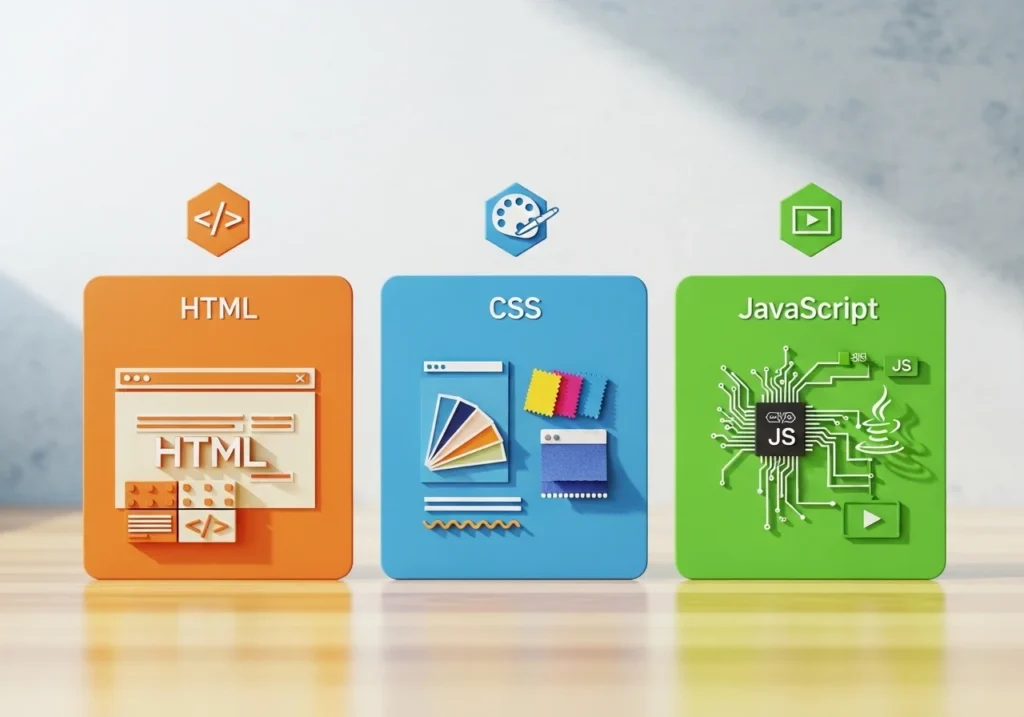
HTML vs. CSS vs. JavaScript: What’s the Difference?
| Language | Role |
|---|---|
| HTML | Structure (the bones) |
| CSS | Style (the looks) |
| JavaScript | Behavior (the actions) |
For now, focus on HTML. The rest comes later.
Setting Up Your First HTML File
Getting started with HTML for beginners is shockingly easy.
Step 1: Open Notepad (Windows) or TextEdit (Mac).
Step 2: Type your HTML code.
Step 3: Save the file.
Step 4: Open it in any browser. Done!
That’s literally it. No downloads. No installations. No excuses.
Your First HTML Page Live Example
<!DOCTYPE html>
<html>
  <head>
    <title>My First Website</title>
  </head>
  <body>
    <h1>Hello, World!</h1>
    <p>This is my very first webpage. Pretty cool, right?</p>
  </body>
</html>
Copy this. Save it. Open it. You just built a website.
- “First HTML page example for beginners showing hello world”
Understanding HTML Tags: The Building Blocks
Everything in HTML is made of tags. Tags are like instructions that tell the browser what to display.
Most tags come in pairs:
- Opening tag:
<p> - Closing tag:
</p>
Most Common HTML Tags You’ll Use
| Tag | What It Does |
|---|---|
<h1>–<h6> | Headings (H1 = biggest) |
<p> | Paragraph |
<a> | Link (anchor tag) |
<img> | Image |
<ul><li> | Unordered list / list item |
<div> | Container/section wrapper |
<br> | Line break (no closing tag) |
- “Common HTML tags cheat sheet for beginners learning web development”
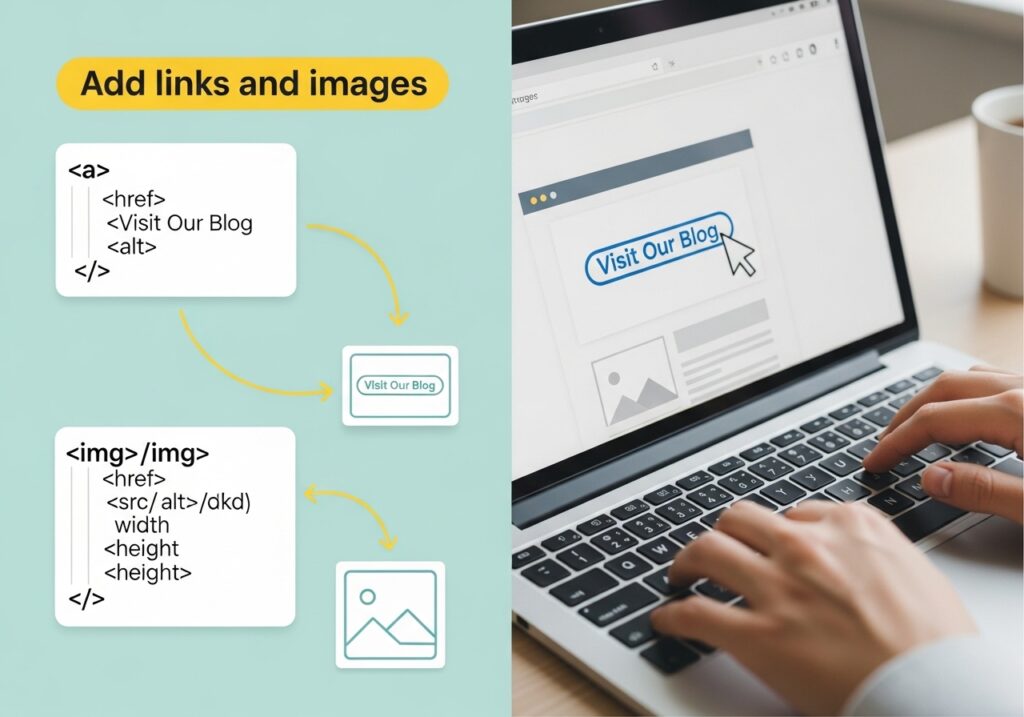
How to Add Links and Images in HTML
Two of the most-used things in website creation are links and images.
Adding a Link
<a href="https://www.google.com">Visit Google</a>href= the URL you’re linking to- The text between the tags is what visitors click
Adding an Image
<img src="cat.jpg" alt="A cute cat sitting on a chair">src= the image file locationalt= description of the image (important for SEO and accessibility!)
HTML for Beginners: Structuring a Full Webpage
Now let’s level up. A real webpage has more than just text; it has sections.
Here’s how a modern HTML page is structured:
<!DOCTYPE html>
<html lang="en">
<head>
<meta charset="UTF-8">
<meta name="viewport" content="width=device-width, initial-scale=1.0">
<title>My Blog</title>
</head>
<body>
<header>
<h1>Welcome to My Website</h1>
<nav>
<a href="#">Home</a> |
<a href="#">About</a> |
<a href="#">Contact</a>
</nav>
</header>
<main>
<article>
<h2>My First Blog Post</h2>
<p>HTML is amazing and I'm just getting started!</p>
</article>
</main>
<footer>
<p>© 2025 My Website</p>
</footer>
</body>
</html>This uses semantic HTML tags that describe their purpose. Semantic HTML is cleaner, more accessible, and loved by Google’s SEO algorithm.
- “HTML5 semantic webpage structure diagram for beginners”
Top Beginner Mistakes in HTML (And How to Avoid Them)
Everyone makes these mistakes; knowing them upfront saves you hours of frustration.
- Forgetting to close tags → Always close
<p>with</p> - Mixing up
<b>and<strong>→ Use<strong>for important text (better for SEO) - Missing the
altattribute on images → Always add alt text - Using spaces in filenames → Use
my-image.png, notmy image.png - Skipping
<!DOCTYPE html>→ Always start your file with this declaration
Best Free Tools to Practice HTML
You don’t need to install anything fancy. Here are the best free tools to practice:
- CodePen Type HTML and see results instantly in browser
- VS Code The most popular free code editor (with HTML autocomplete)
- W3Schools Tryit Editor Perfect for quick experiments
- Replit Code and host your page online for free
Hot Tip: Start with CodePen: no setup, zero distraction, pure learning.
- “Best free tools to learn HTML for beginners in web development”
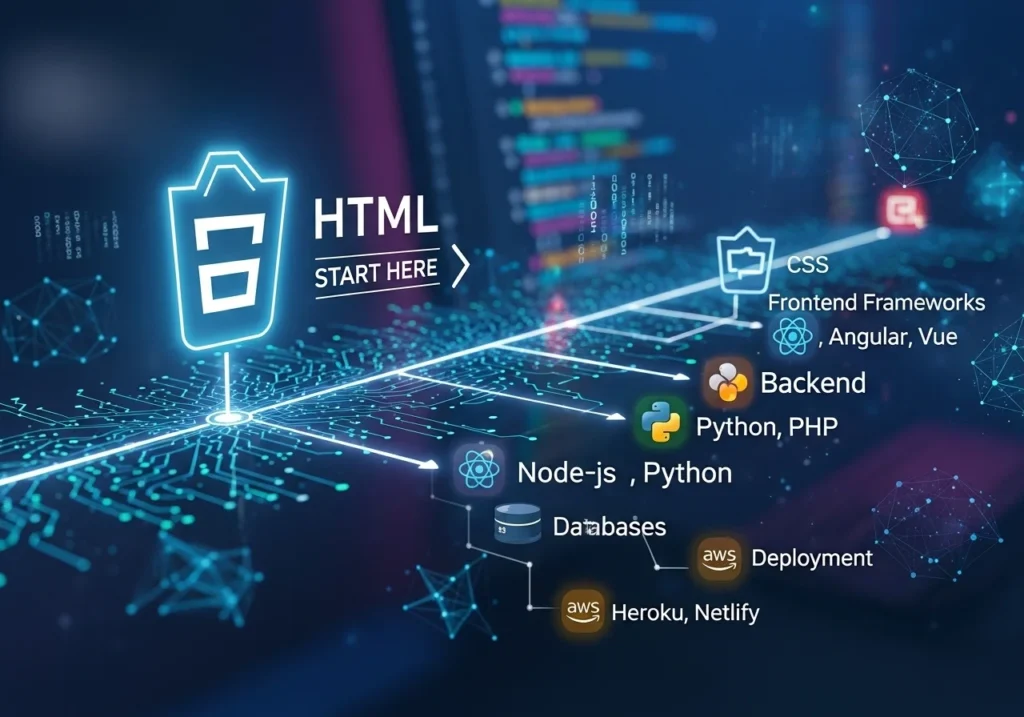
What to Learn After HTML: Your Web Development Roadmap
Congrats, you’re no longer a complete beginner! Here’s what comes next in your web development journey:
- CSS Make your HTML look beautiful (colors, fonts, layout)
- Flexbox & GridControl: how elements are positioned
- JavaScript: Add interactivity (clicks, animations, forms)
- Responsive Design Make your site work on mobile
- Git & GitHub Save and share your code like a pro
Conclusion
Learning HTML for beginners doesn’t have to be scary or overwhelming. You now know what HTML is, how tags work, how to structure a full webpage, and where to practice.
The best next step? Open a code editor right now and type out that “Hello, World!” example. Seriously, doing beats reading every time.
Web development is one of the most valuable skills you can build in 2025. And it all starts here, with HTML.
Have questions or want to share your first HTML creation? Drop it in the comments; we’d love to see what you build!
Frequently Asked Questions (FAQs)
What is HTML used for in web development?
HTML is used to create and structure content on the web. It defines the layout of webpages, including text, images, links, and forms, making it the essential first step in website creation.
Can I learn HTML for free as a complete beginner?
Absolutely! Platforms like W3Schools, freeCodeCamp, Khan Academy, and MDN Web Docs offer completely free HTML tutorials perfect for beginners with zero coding experience.
How long does it take to learn basic HTML?
Most beginners can grasp the fundamentals of HTML in 1–2 weeks with just 30–60 minutes of daily practice. The basics are genuinely easy to pick up.
Do I need to install software to write HTML?
No! You can write HTML in any basic text editor (Notepad or TextEdit) and open the file in any browser. For a better experience, free editors like VS Code or online tools like CodePen work great.
What’s the difference between HTML and a website builder like WordPress?
Website builders like WordPress use HTML behind the scenes but hide it from you. Learning HTML directly gives you full control over your site, better performance, and a deeper understanding of how the web works—skills no drag-and-drop tool can replace.