Have you ever been in a library where all the books are written in a language you don’t quite understand? You know the knowledge is there, but you can’t access it. For many data scientists, the world of cloud platforms can feel exactly like that.
You hear terms like “serverless,” “managed services,” and “scalable infrastructure,” and it can sound like a foreign language. You just want to build your models and find insights, not become a cloud architect.
What if you had a guide? A translator for this new world?
That’s what this article is for. We’re going to talk about Google Cloud Platform, or GCP. If you’re a data scientist, GCP is worth your attention. Why? Because it was built by the same company that literally wrote the book on big data and modern AI.
In this guide, we’ll walk through the essential GCP tools you need to know. We’ll focus on what they do for you, the data scientist, in simple, relatable terms. No confusing jargon, just clear explanations. Let’s open up this library together.
What is Google Cloud Platform (GCP)?
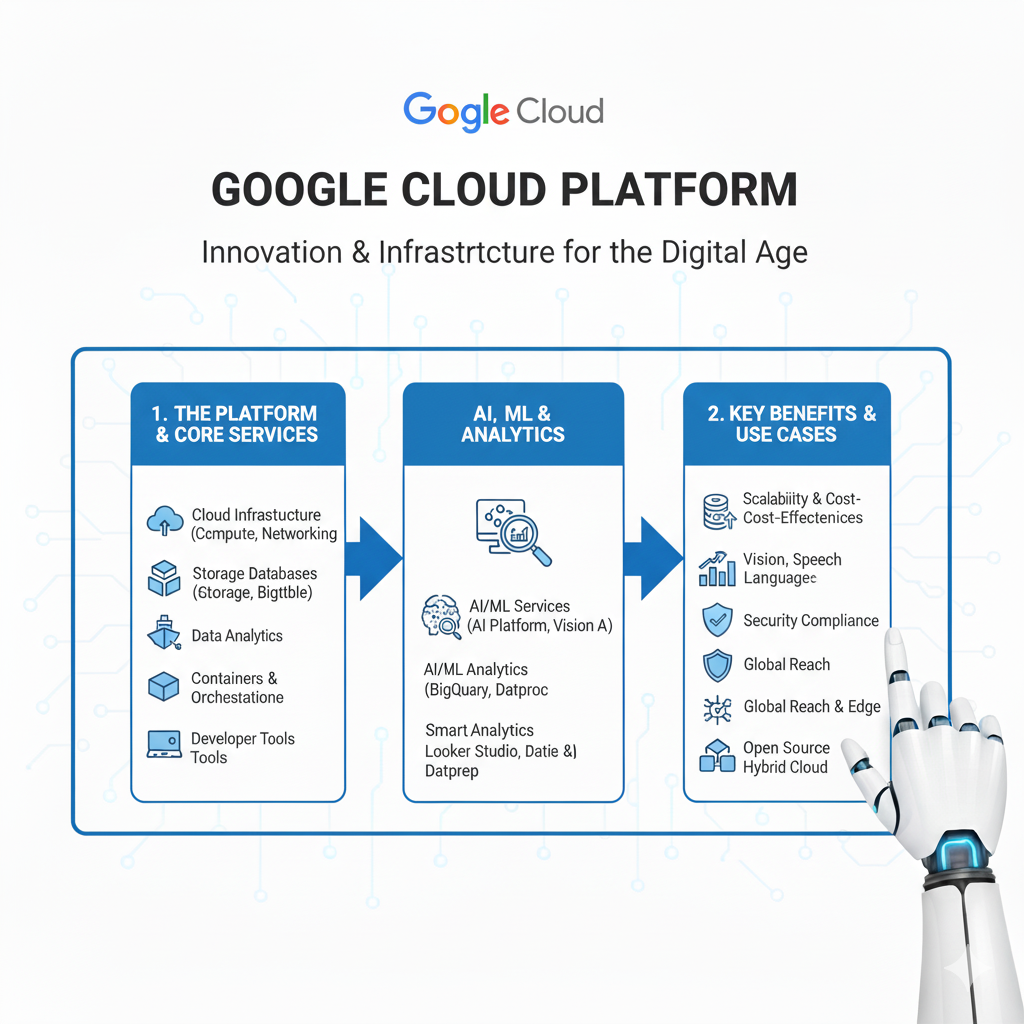
In simple terms, Google Cloud Platform is a suite of cloud computing services that runs on the same infrastructure that Google uses internally for its end-user products, like Google Search, Gmail, and YouTube.
Think of it like this: Google has built these massive, powerful, global factories for processing data. For years, only Google could use them. Now, with GCP, they’re renting out space in those factories to everyone else.
For a data scientist, this is a game-changer. It means you can use the same tools and infrastructure that power the world’s most advanced AI and data systems.
The Kitchen Analogy
- Your Laptop: Is like a home kitchen. It’s great for cooking for yourself (small projects). But if you need to cook for a thousand people (big data), it’s completely overwhelmed.
- GCP: Is like having access to a professional, industrial-grade kitchen. It has:
- Massive Fridges (Cloud Storage): To store all your ingredients (data).
- Industrial Ovens (Compute Engine): Huge computing power for heavy-duty tasks.
- Pre-Made Meal Kits (AI APIs): Ready-to-use solutions for common tasks.
- An Automated Head Chef (Vertex AI): A system that can help you cook (build models) more efficiently.
You get to use this world-class kitchen, but you only pay for the ingredients and the time you use the equipment.
Why Should a Data Scientist Care About GCP?
You might be thinking, “I’m doing just fine with my laptop and some Python scripts.” And that’s true, for now. But GCP opens up possibilities that are simply impossible on a local machine.
1. Handle Any Size Data
Your laptop has 16GB of RAM? What happens when you need to analyze a 500GB dataset? It crashes. With GCP, you can spin up a virtual machine with hundreds of gigabytes of RAM for an hour, run your analysis, and then shut it down. The scale is virtually limitless.
2. Access Google’s AI Superpowers
GCP gives you direct access to the AI models that Google has spent billions of dollars and decades developing. You can add features like image recognition, natural language understanding, and video analysis to your projects with just a few lines of code.
3. Collaborate Seamlessly
With GCP, your work lives in the cloud. Your notebooks, your data, your models—they’re all accessible from anywhere, by anyone you give permission to. No more “but it works on my machine” problems.
4. Go from Idea to Impact, Faster
GCP’s managed services handle all the boring, complex stuff like managing servers, updating software, and scaling infrastructure. This lets you focus on the fun part: data science.
The Essential GCP Toolkit for Data Scientists in 2025
Let’s dive into the specific tools you’ll want to have in your belt. We’ll start with the foundation and build up to the advanced AI services.
1. BigQuery: Your Super-Powered Data Warehouse
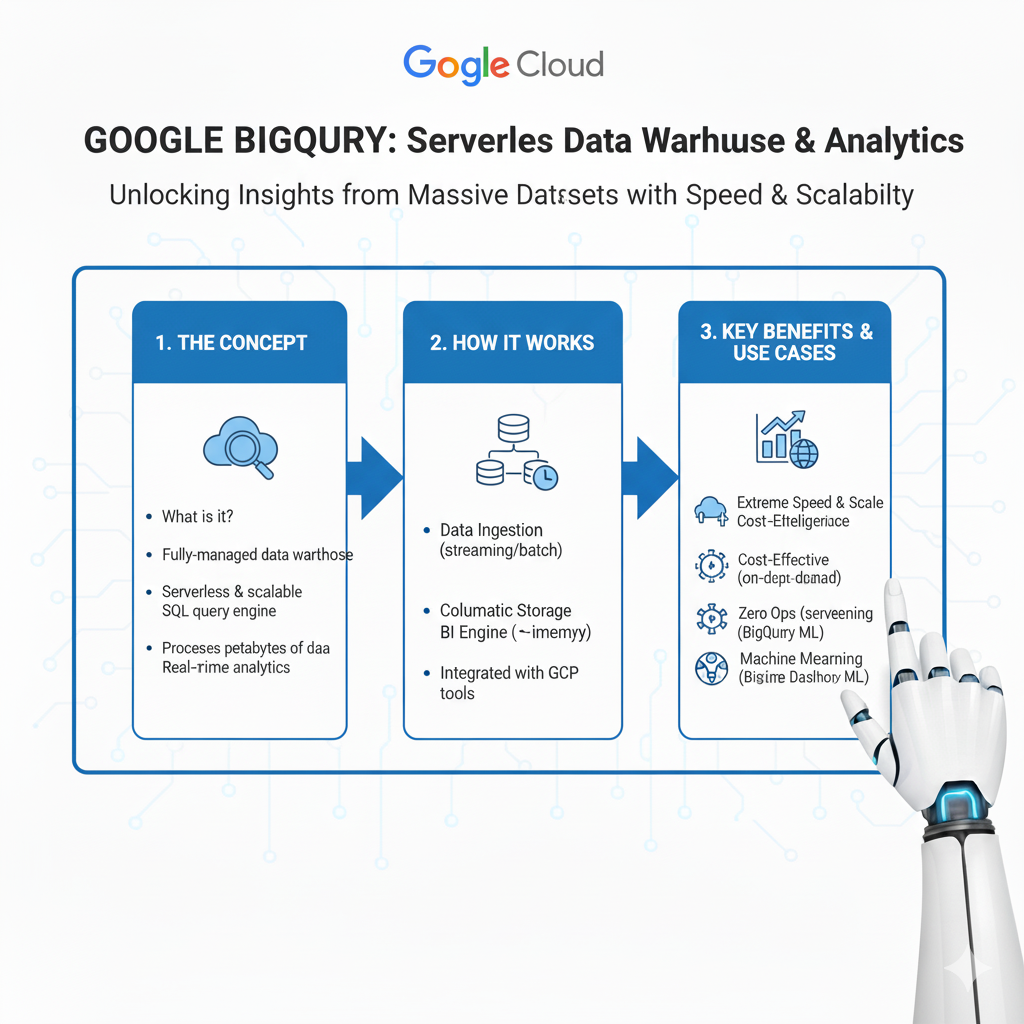
What it is: BigQuery is a serverless, highly scalable, and cost-effective multi-cloud data warehouse. Let’s translate that.
Imagine you have a question about a massive dataset. With a traditional database, you’d have to load the data, wait for it to process, and then run your query. It could take hours.
BigQuery is different. It’s like having a genius librarian who can instantly read every book in the library at once and give you the answer.
Why it’s a Game-Changer:
- Blazing Fast: It can run SQL queries over terabytes of data in seconds.
- Serverless: You don’t manage any servers. You just point it at your data and ask questions.
- Pay-as-You-Go: You only pay for the amount of data you process in your queries, not for having servers sitting idle.
- Public Datasets: It comes with free, public datasets you can query right away (like NOAA weather data or Bitcoin blockchain data).
Real-Life Example:
You work for an e-commerce company and a manager asks, “What were our top 10 selling products in the Midwest region for women aged 25-34 last quarter?” The sales data is 2 terabytes. You write a standard SQL query in BigQuery and get the answer back in 5 seconds.
2. Cloud Storage: Your Infinite Digital Filing Cabinet
What it is: Cloud Storage is a service for storing your objects (files) in the cloud. It’s the foundation of everything you do on GCP.
This is your “single source of truth” for all data. You can dump any file in here: CSVs, images, model checkpoints, raw text, you name it.
Why it’s a Game-Changer:
- Durable and Secure: Google promises 99.999999999% (eleven nines!) durability. Your data is safe.
- Scalable: There’s no limit to how much you can store.
- Integrates with Everything: Every other GCP service can easily read from and write to Cloud Storage.
Real-Life Example:
You’re building a computer vision model. You upload your dataset of 10 million product images to a Cloud Storage bucket named project-x-training-images. Your model training service (like Vertex AI) can then directly access these images.
3. Vertex AI: Your All-in-One Machine Learning Platform
What it is: Vertex AI is GCP’s unified platform to help you build, deploy, and scale machine learning models faster. It brings all of Google’s ML services under one roof.
If BigQuery is for analyzing data, Vertex AI is for building models with that data.
Why it’s a Game-Changer:
- Unified Platform: No more jumping between different, disconnected tools.
- Vertex AI Workbench: Managed Jupyter notebooks that come pre-installed with all the major data science libraries. You can start coding in minutes.
- AutoML: Let’s say you have a dataset of images and you want to build a classifier, but you’re not a deep learning expert. With AutoML, you just upload your labeled images and it automatically trains a high-quality model for you.
- Custom Training: For experts, you can bring your own code (e.g., a TensorFlow or PyTorch script) and Vertex AI will run it on powerful, scalable hardware.
Real-Life Example:
You need to predict customer churn. You use Vertex AI Workbench to connect to your data in BigQuery and explore it. You then use Vertex AI’s custom training service to run your XGBoost script on a powerful machine. Vertex AI tracks all your experiments and, once you have a winning model, helps you deploy it as a REST API with one click.
4. AI Platform (Within Vertex AI): Pre-Built AI Building Blocks
What it is: These are specialized APIs for common AI tasks. You don’t need to train a model; you just call an API.
Think of it as a set of power tools. You don’t need to know how to build a drill; you just use it to make a hole.
Key APIs to Know:
- Vision AI: Analyze images. Detect objects, read text, and moderate content.
- Natural Language API: Understand text. Analyze sentiment, extract entities, and classify content.
- Translation AI: Dynamically translate between languages.
- Speech-to-Text & Text-to-Speech: Convert audio to text and vice-versa.
Real-Life Example:
You have a mobile app where users can upload photos of receipts for an expense report. Instead of building your own receipt-parsing model, you send the image to the Vision AI API. It instantly returns structured data like the merchant’s name, the date, and the total amount, which you then save to your database.
5. Cloud Run: Your Simple Model Deployment Engine
What it is: Cloud Run is a fully managed compute platform that automatically runs your code in stateless containers.
Here’s the simple version: You have a Python script (like a Flask API) that wraps your model. Cloud Run lets you turn that script into a secure, scalable web service in minutes.
Why it’s a Game-Changer:
- Serverless Simplicity: You don’t think about servers. You just deploy your code.
- Autoscaling: If no one is using your model API, it scales to zero and costs you nothing. If a thousand people call it at once, it automatically scales up to handle the load.
- Perfect for APIs: It’s the ideal way to deploy a single model as a microservice.
Real-Life Example:
You’ve trained a model that recommends similar products. You wrap it in a small Flask app that takes a product ID and returns a list of recommendations. You deploy this container to Cloud Run. Your front-end developers can now call this URL to get real-time recommendations on your website.
6. Looker (formerly Looker Studio): Your Data Storytelling Tool
What it is: Looker is GCP’s business intelligence, data applications, and embedded analytics platform.
After you’ve found your insights, you need to share them. Looker is how you build beautiful, interactive dashboards and reports that your non-technical colleagues can understand and use.
Why it’s a Game-Changer:
- Connected to BigQuery: It integrates seamlessly with BigQuery, so your dashboards can be powered by live, massive datasets.
- A Single Source of Truth: You can define business metrics (like “Monthly Active Users”) once in Looker, and everyone in the company will use that same definition, ending arguments about whose numbers are right.
- Self-Service: Business users can explore the data themselves without writing SQL.
Real-Life Example:
You build a Looker dashboard that shows the performance of the churn prediction model you deployed on Vertex AI. Marketing managers can open the dashboard, see which customers are high-risk, and drill down by region or product usage to design targeted retention campaigns.
7. Dataflow: Your Data Pipeline Builder
What it is: Dataflow is a fully managed service for stream and batch data processing. It’s a serverless, fast, and cost-effective way to transform and enrich data in motion.
This is the tool for data engineering, which is a crucial skill for data scientists. It’s the plumbing that gets data from its source to your models.
Why it’s a Game-Changer:
- Handles Both Stream and Batch: You can use the same code to process a live stream of data (e.g., website clicks) or a giant batch of historical data.
- Based on Apache Beam: An open-source model that avoids vendor lock-in.
- Serverless: No cluster management required.
Real-Life Example:
You need real-time features for your model. You build a Dataflow pipeline that reads a stream of user activity from Pub/Sub (GCP’s messaging service), enriches it with user profile data from BigQuery, and writes the cleaned, feature-rich data to a new table in BigQuery, all in near real-time.
8. Cloud Functions: Your Event-Driven Code Snippet Runner
What it is: Cloud Functions is a lightweight, event-driven compute solution. You write a small, single-purpose function, and it runs only when triggered by an event.
It’s like setting up a tiny, automated helper that only wakes up when something specific happens.
Why it’s a Game-Changer:
- Perfect for Gluing Services Together: It’s the easiest way to create simple automations between GCP services.
- Extremely Cost-Effective: If your function runs for a few seconds a day, it might cost you pennies.
- Zero Management: You just write the code.
Real-Life Example:
Every time a new model training log file is uploaded to your Cloud Storage bucket, you want to parse it and update a dashboard. You write a Cloud Function that is triggered by new files in that bucket. The function reads the log, extracts the key metrics, and sends them to a database that powers your dashboard. It all happens automatically.
How to Get Started: Your First GCP Project in 30 Minutes
Feeling inspired? Here’s a simple, step-by-step plan to get your hands dirty.
- Create a Free GCP Account: Go to
cloud.google.comand sign up. You’ll get $300 in free credit to use over 90 days. No credit card required for the trial. - Create a New Project: In the GCP Console, create a new project. This is like a workspace to keep all your resources organized.
- The “Hello World” of Data Science on GCP:
- Step 1: Upload Data. Find a CSV file on your computer (like a Kaggle dataset). Upload it to a new Cloud Storage bucket.
- Step 2: Query Data. Open BigQuery. Create a new dataset and then a table from your CSV file in Cloud Storage. Run a simple SQL query like
SELECT * FROM your_table LIMIT 10. - Step 3: Build a Model. Open Vertex AI Workbench and create a new notebook instance. Write a few lines of Python code to read the data from BigQuery into a Pandas DataFrame.
- Step 4: Visualize. Connect Looker Studio to your BigQuery table and create one simple chart.
Congratulations! You’ve just used four core GCP services in a real workflow.
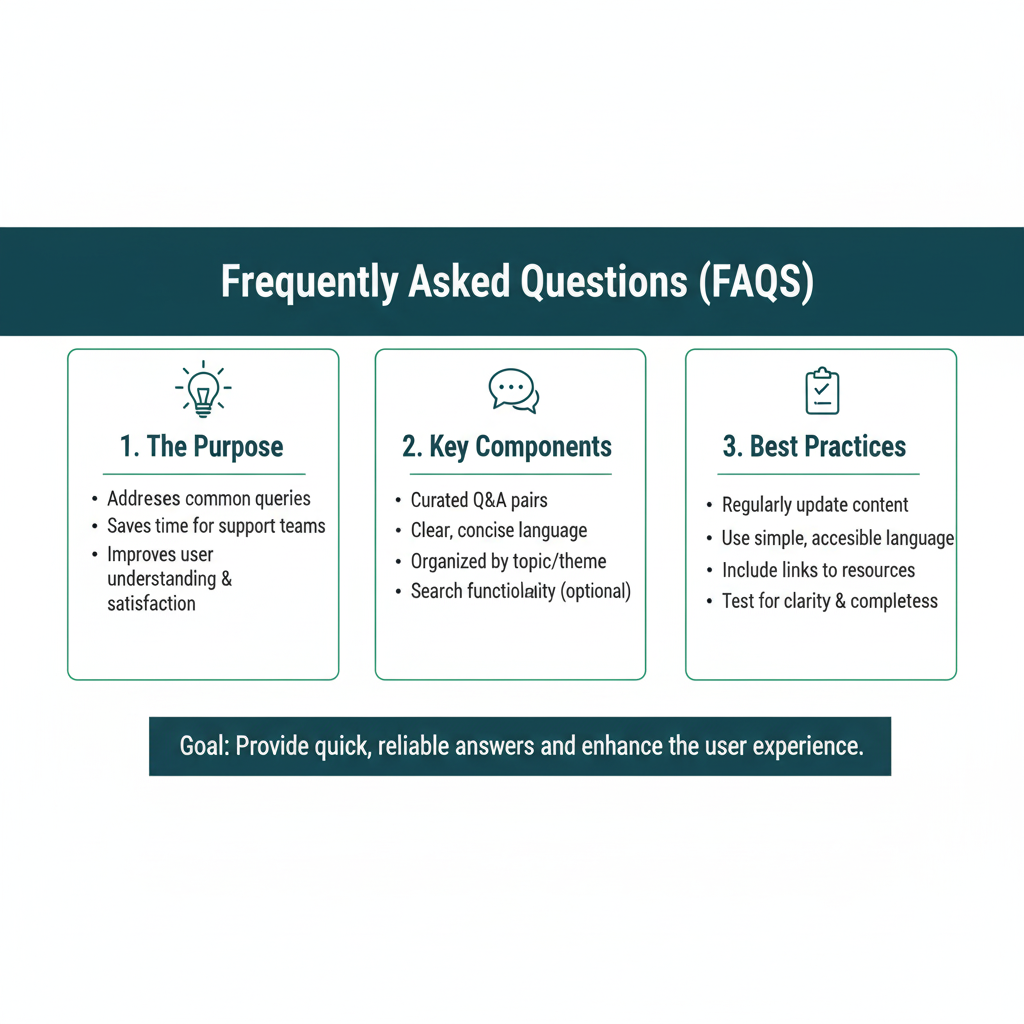
Frequently Asked Questions (FAQs)
Q1: Is GCP better than AWS or Azure for data science?
“Better” is subjective. GCP’s key strength is its native integration with the data and AI tools. BigQuery is often considered best-in-class, and its AI services are born from Google’s own needs. The best platform often depends on your company’s existing tools and your specific project needs. Knowing multiple clouds is a great career move.
Q2: I’m just a student/beginner. Is this too advanced for me?
Not at all! The free tier and credits are perfect for students. Starting with cloud tools early will give you a huge advantage. You can learn by doing small, personal projects without any upfront cost.
Q3: What’s the biggest mistake beginners make on GCP?
Forgetting to turn things off! A common mistake is to leave a virtual machine or a notebook instance running 24/7, which quickly burns through free credits. Always shut down resources you aren’t actively using.
Q4: Do I need to be an expert in Docker and Kubernetes to use GCP?
No. Services like Cloud Run and Cloud Functions abstract this complexity away. You can get very far just knowing Python and how to use the SDKs. As you advance, learning containers (Docker) will become helpful, but it’s not a requirement to start.
Conclusion: Your Launchpad to the Cloud
Stepping into the world of Google Cloud Platform might seem daunting at first, but remember, every expert was once a beginner. You don’t need to learn everything at once.
Start with one tool. Maybe it’s BigQuery, to query data faster than you ever thought possible. Or perhaps it’s Vertex AI Workbench, to get a powerful, shareable coding environment in minutes.
The power of GCP is that it lifts the technical limits off your shoulders. You are no longer bound by the memory of your laptop or the power of your CPU. You are limited only by your imagination and your ability to ask the right questions.
Your data science journey is about to get a lot more exciting. You have a whole new set of tools to explore. So take that first step. Sign up for the free tier, run your first query in BigQuery, and see what you can build. Your future in the cloud is waiting.